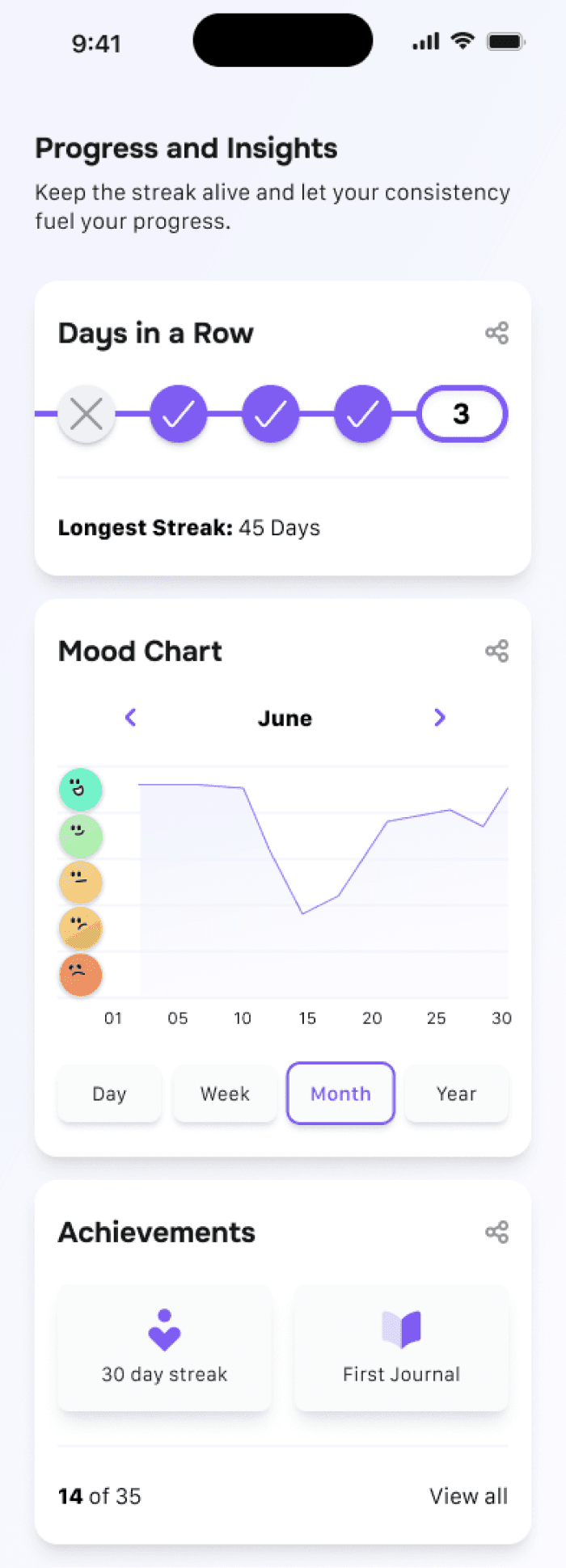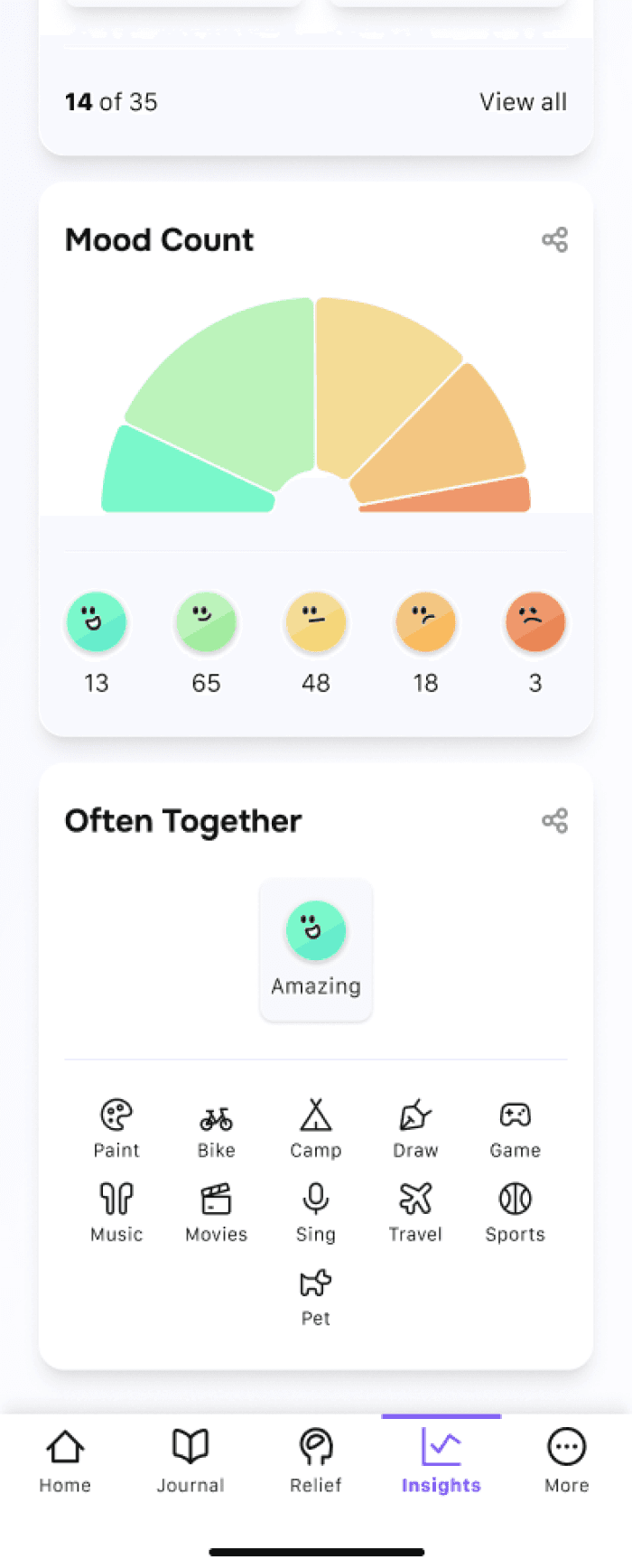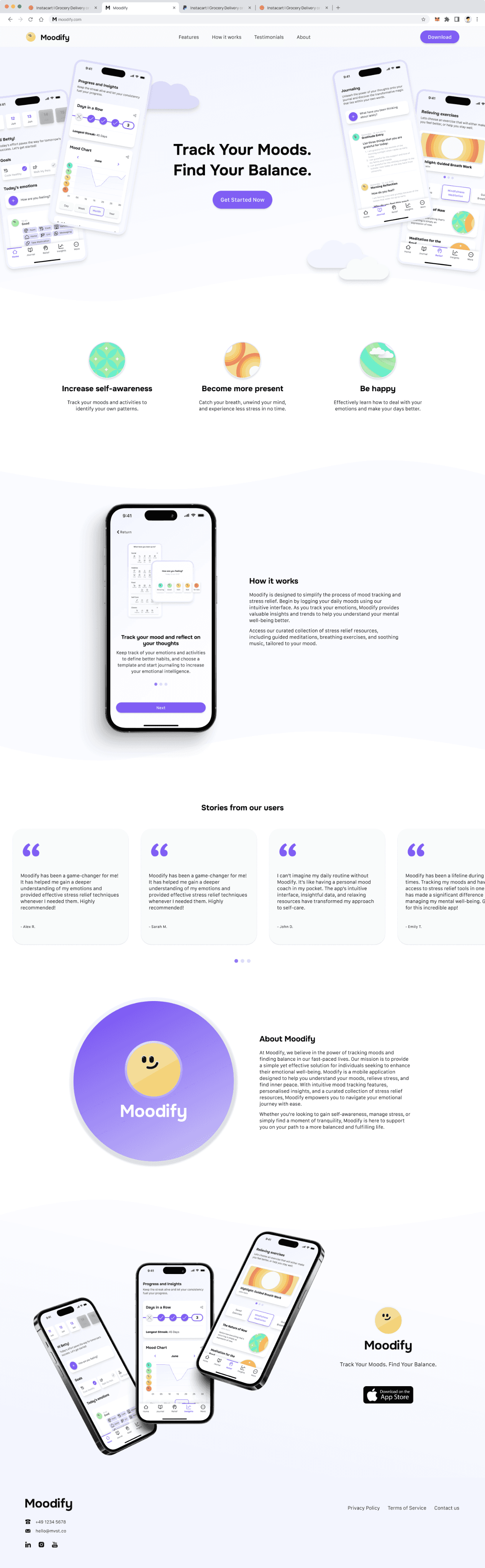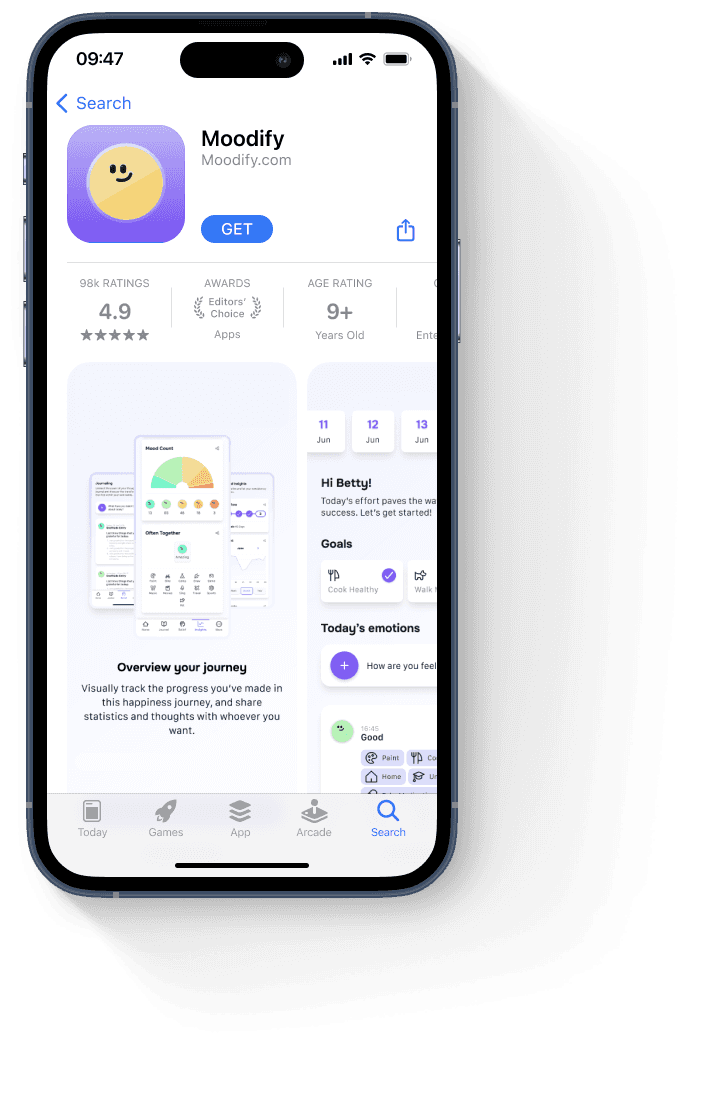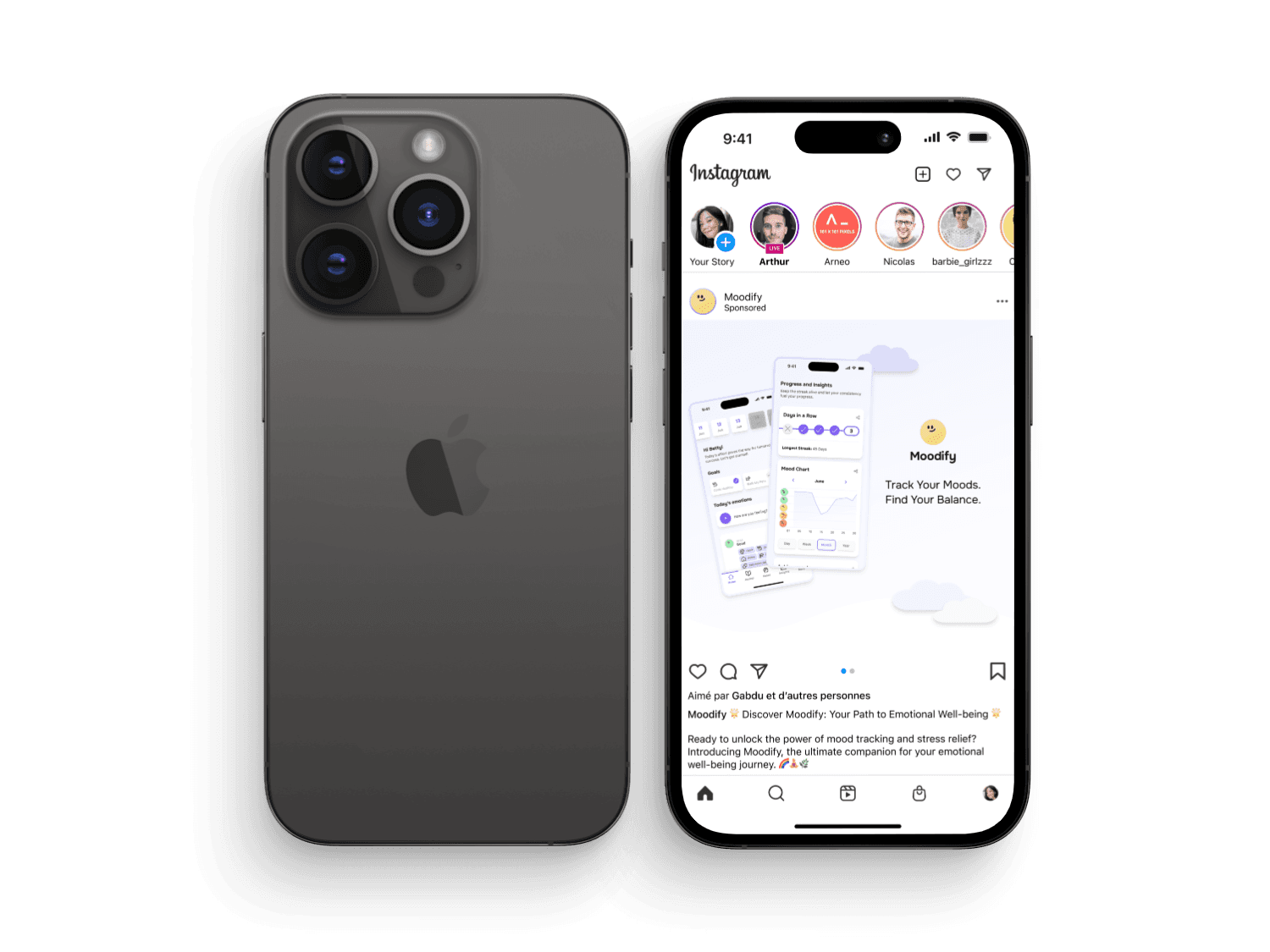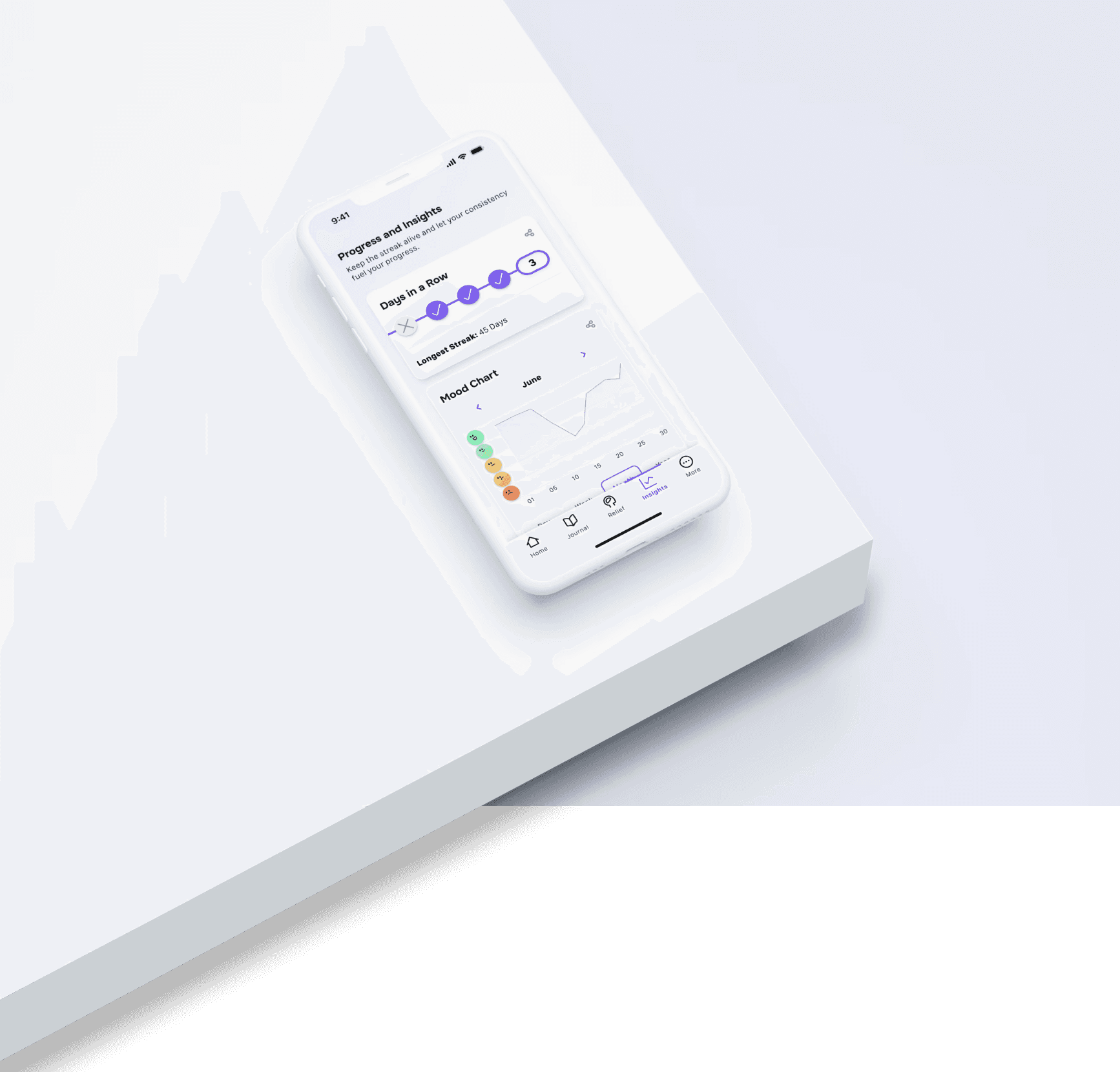

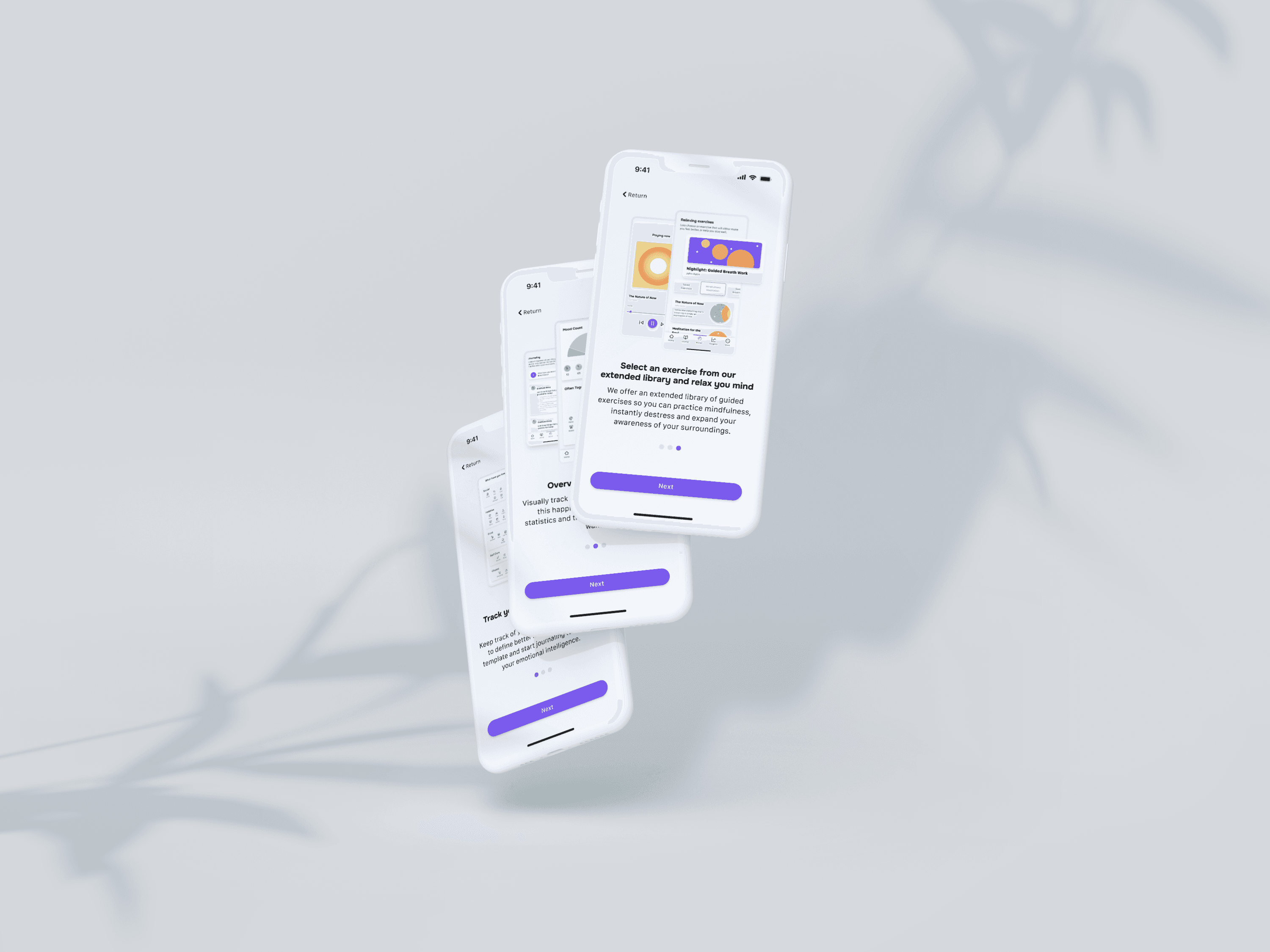

The empathising phase of the design thinking process involved some research that was conducted to gain a deep understanding of the mental health application landscape. Some market research was done to explore the current market trends, user preferences, and emerging technologies in the realm of mood tracking. This analysis showed a tendency/trend for features that allow monitoring of how moods vary and help the user to better understand the stressors and triggers that can cause the negative emotions they experience. User retention increased as interactive features, fun customisation tools, and useful alerts increased too.
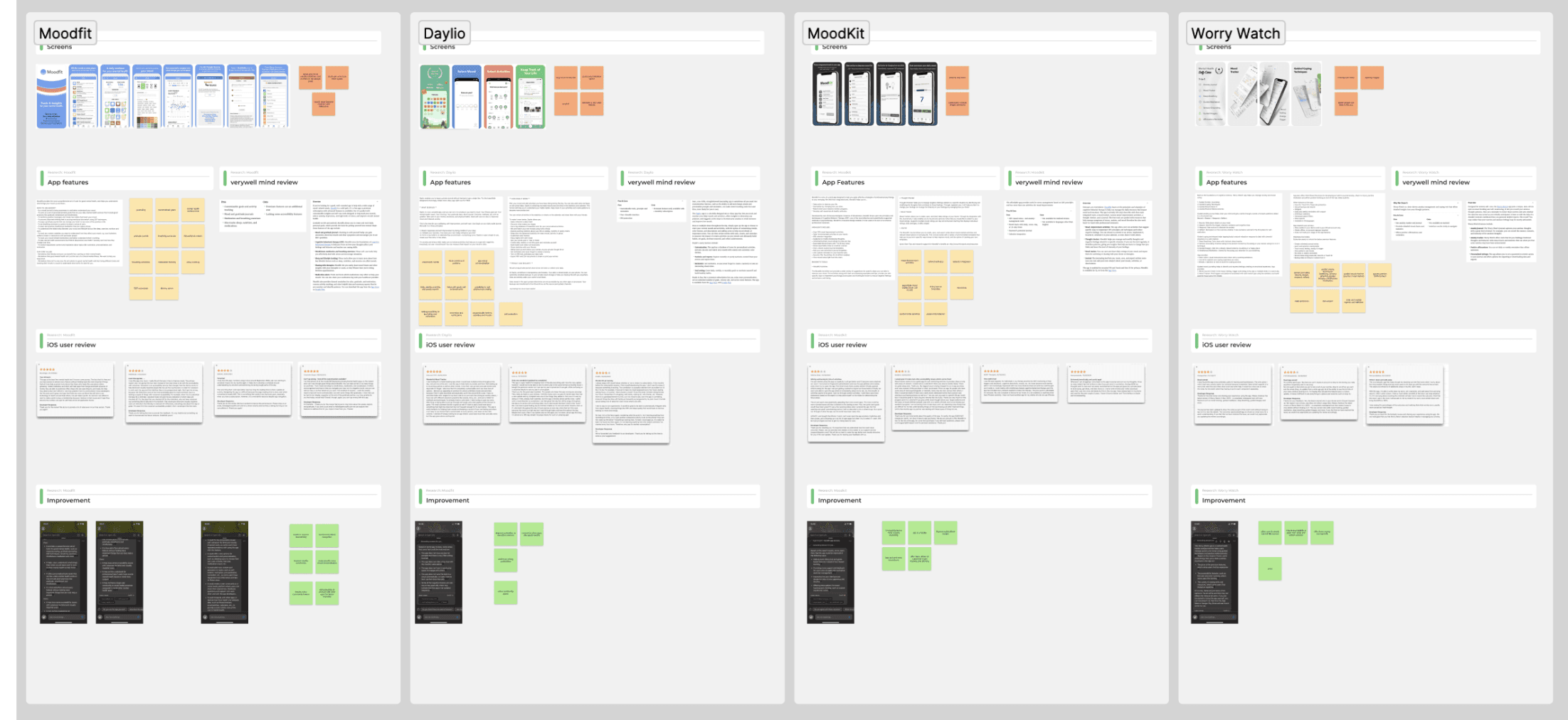
Competitive research was also conducted in order to evaluate the strengths and weaknesses of competitive mental health applications. Some of these competitors included Moodfit, Daylio, Moodkit, Worry Watch, Headspace, and Waking Up. Here I studied their interfaces, functionality, important features, and also user feedback from various platforms. This helped me not only identify some important features which would also be beneficial for my project but also some gaps and opportunities there too.
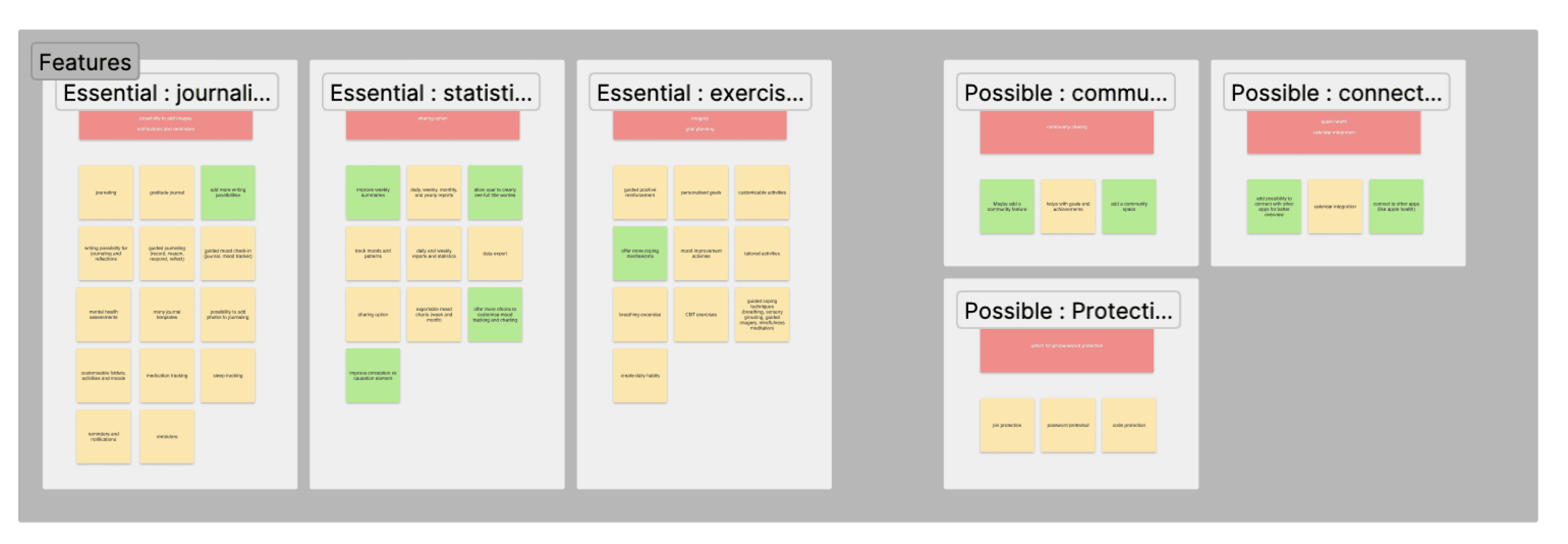
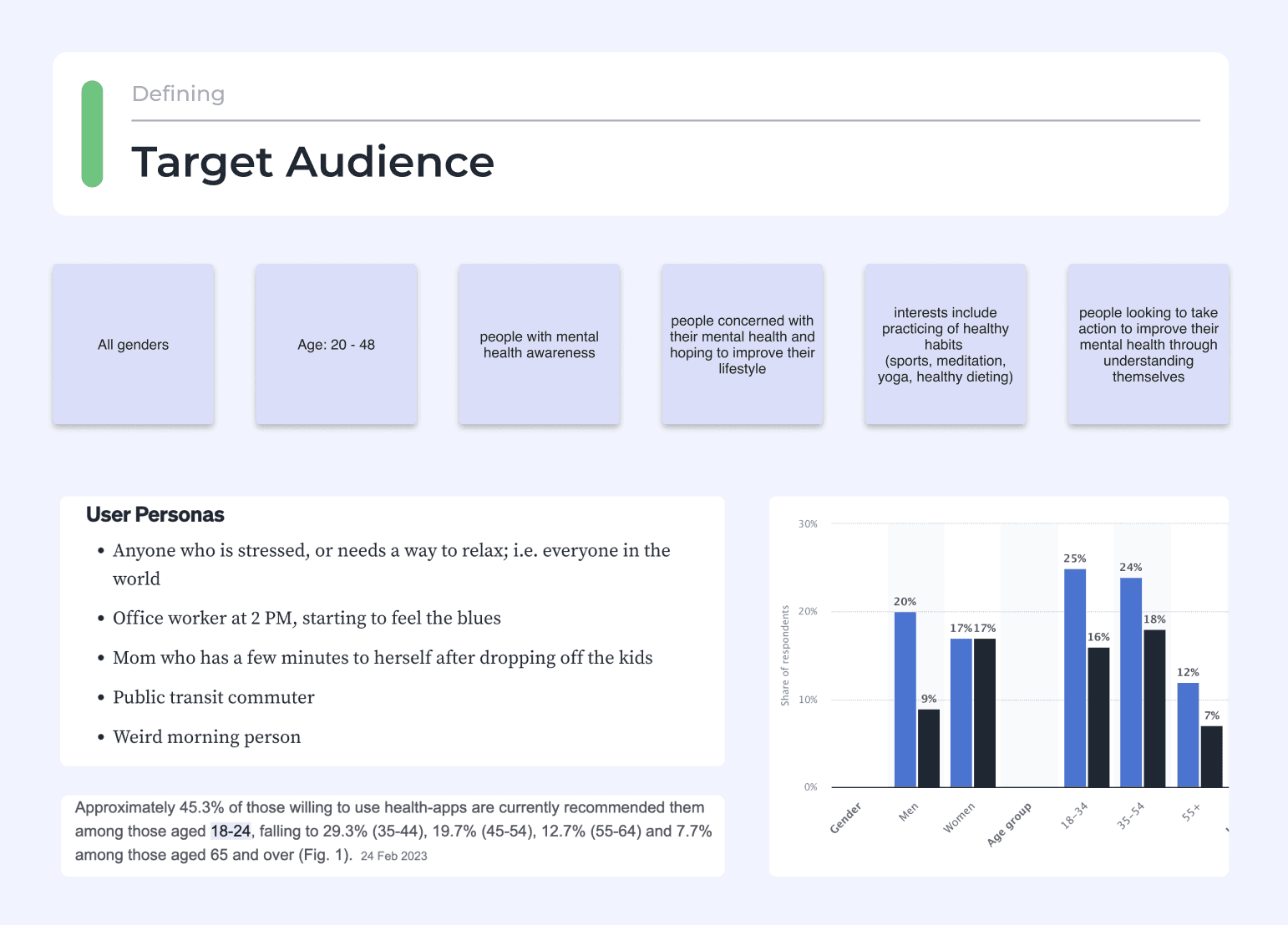
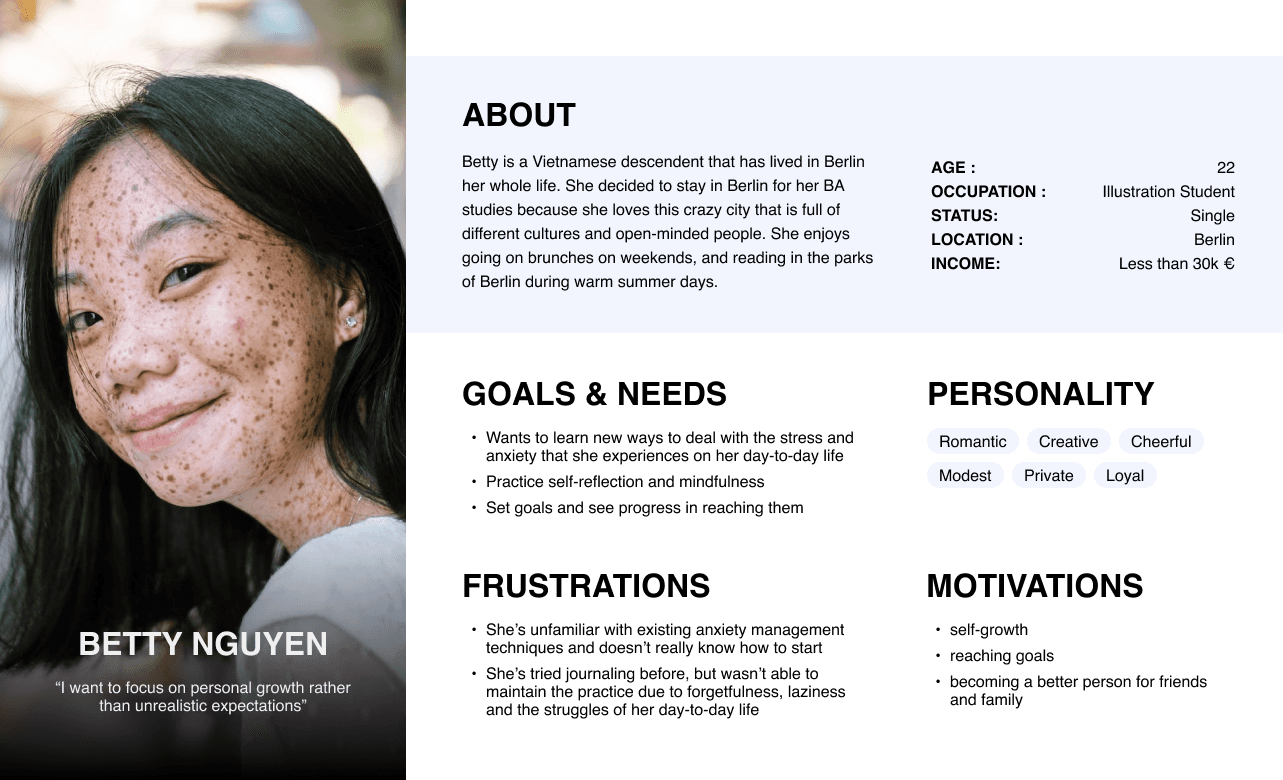
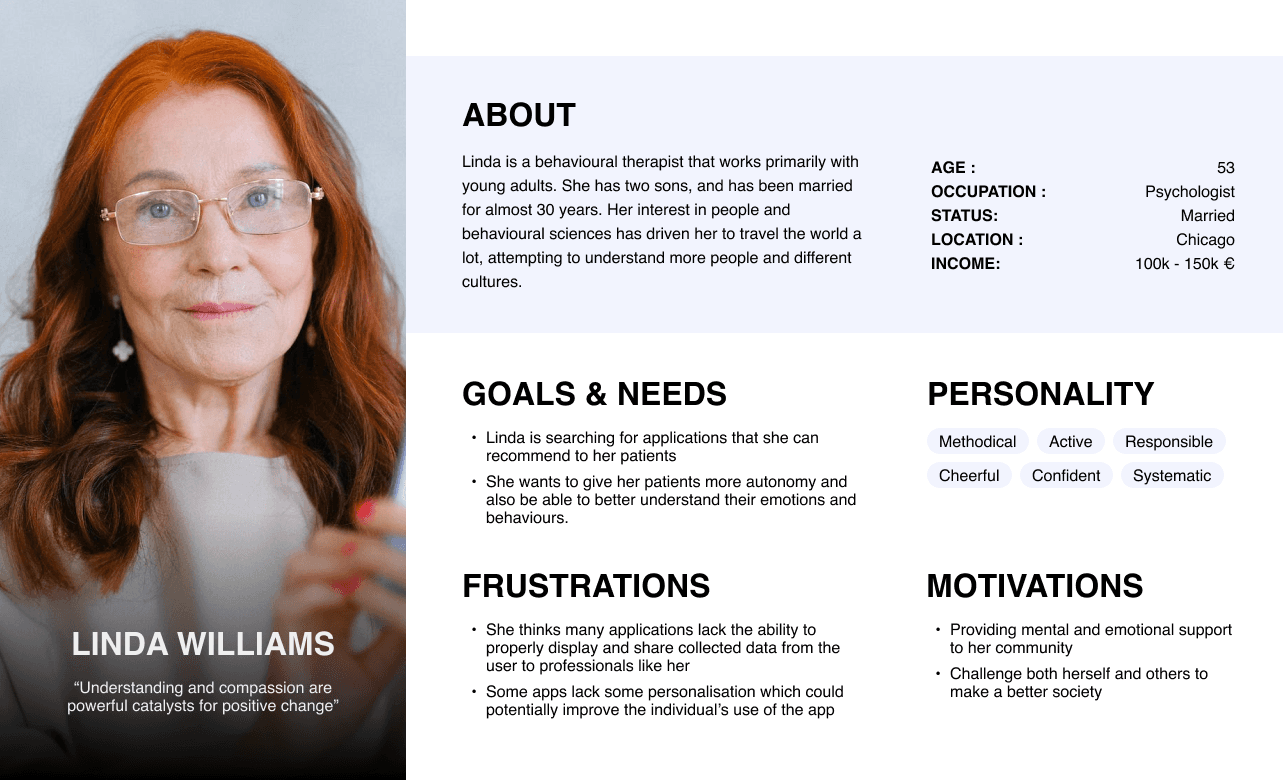
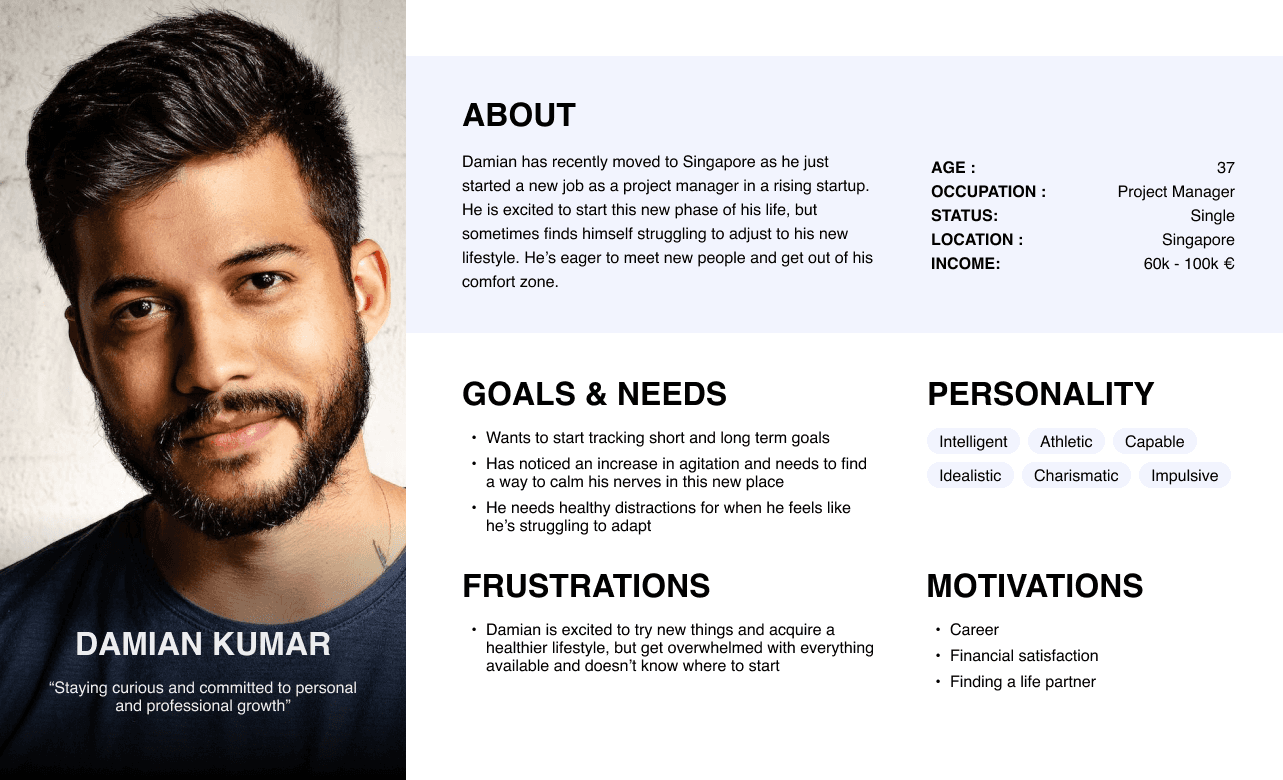
The defining phase of the design thinking process involved determining the user pain points, identifying the target audience, creating personas, and specifying some of the key features of this mood-tracking application.
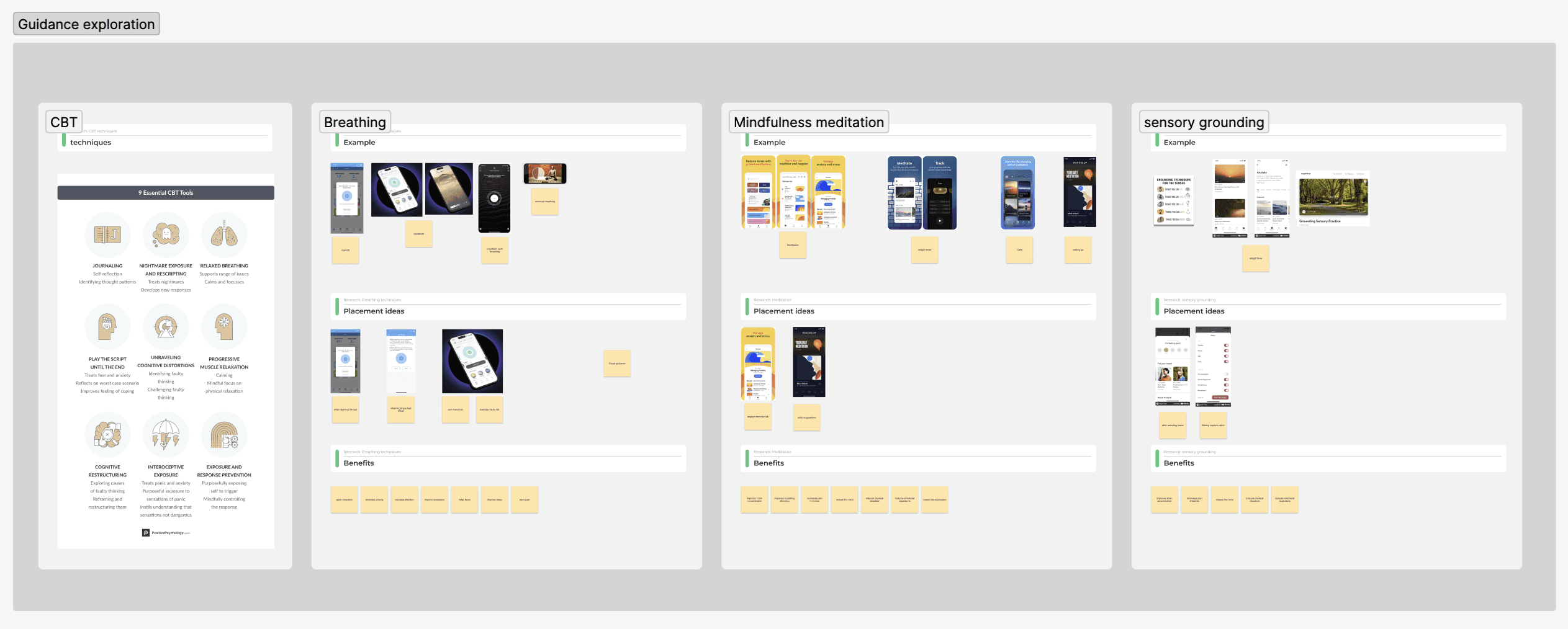
The user pain points were carefully analysed and categorised to understand some of the underlying challenges faced by some people. These included things like not knowing how to start certain CBT techniques and skills, losing interest and motivation, and not really knowing whether they have made progress or not, amongst others which can be seen here below.
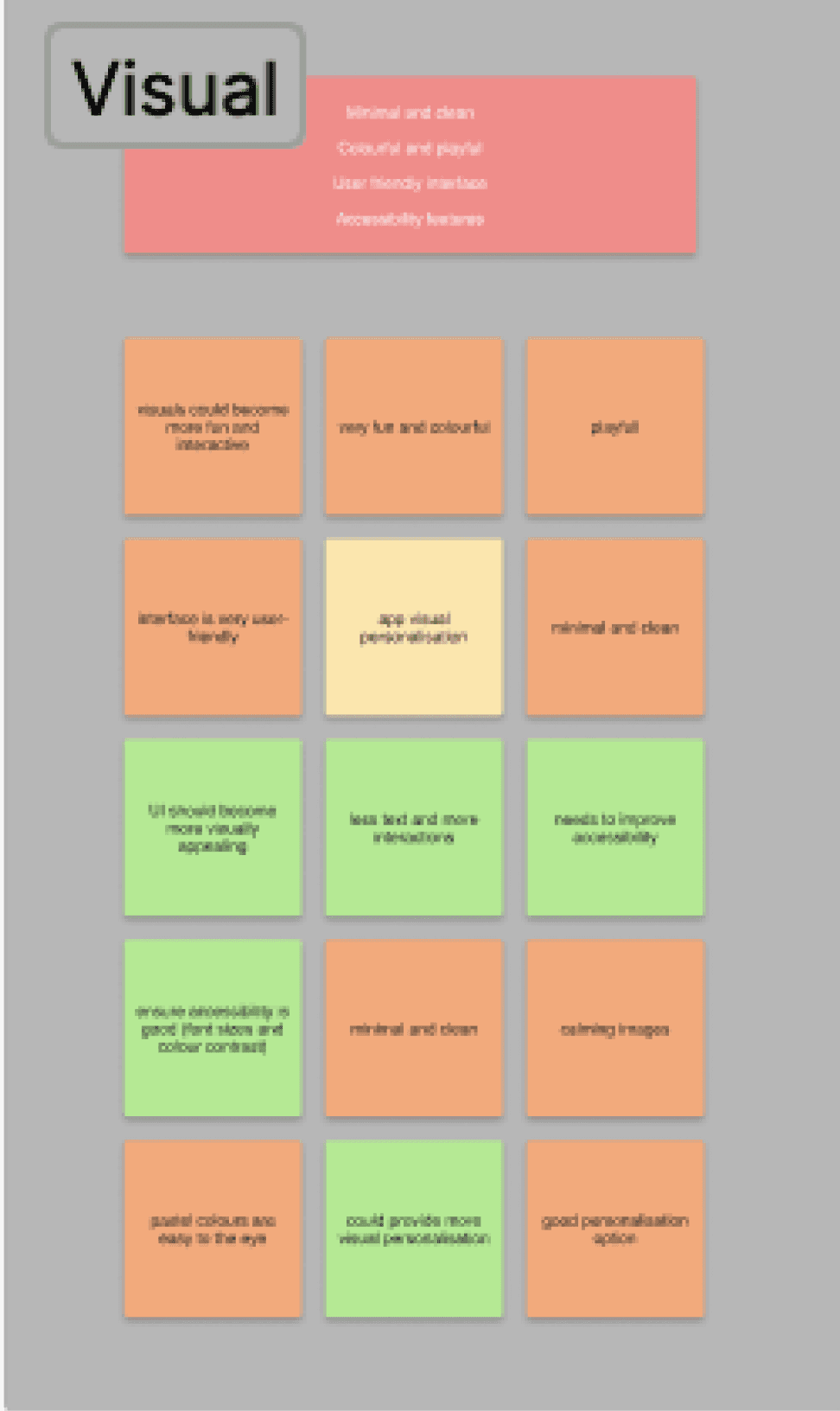
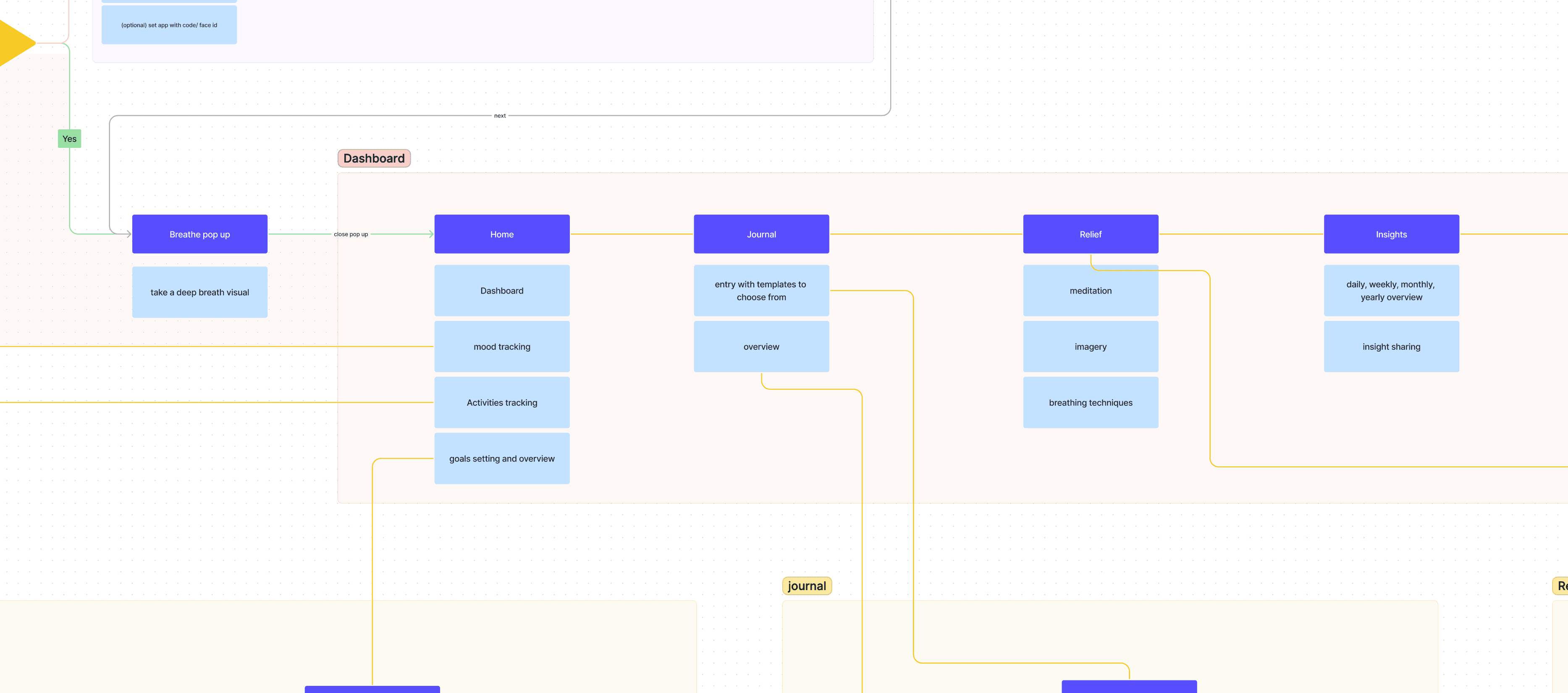
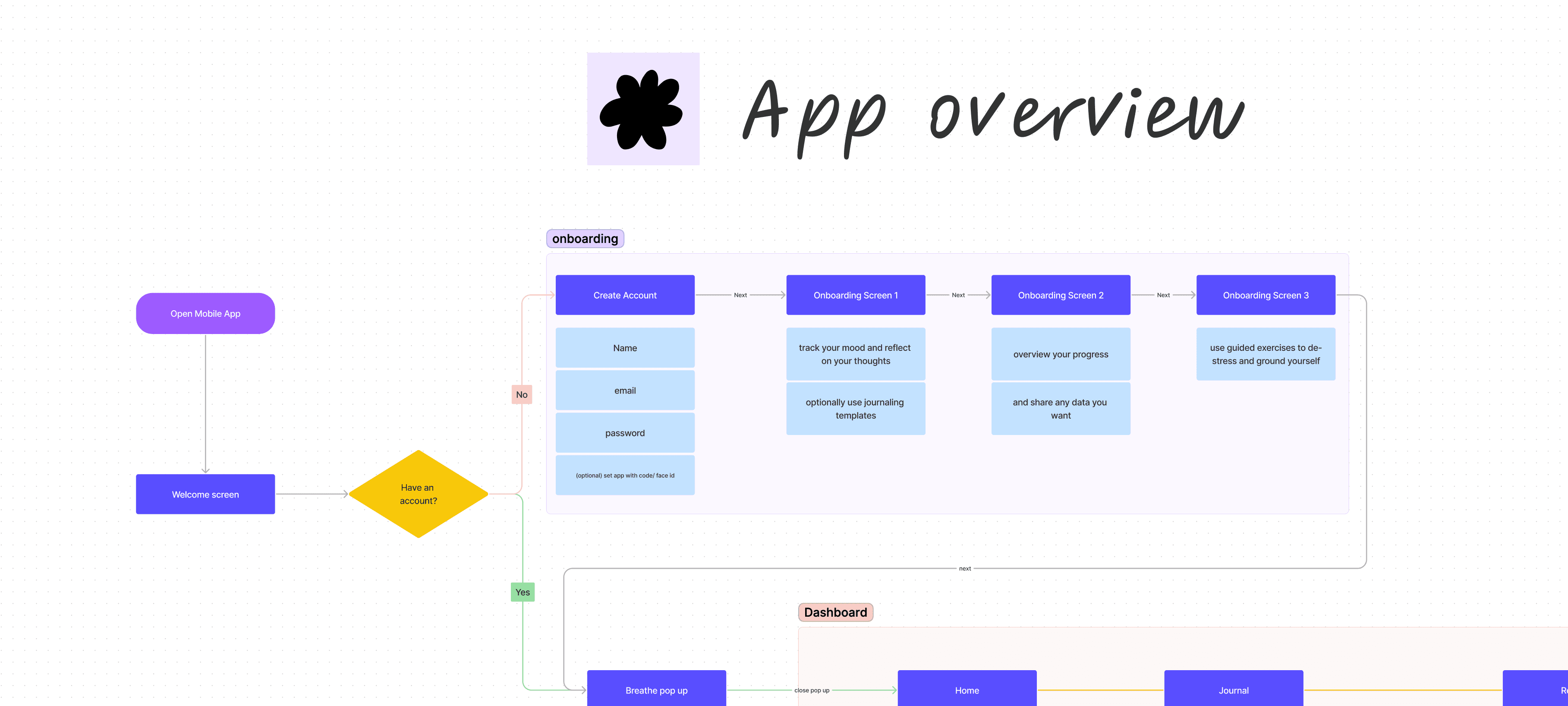
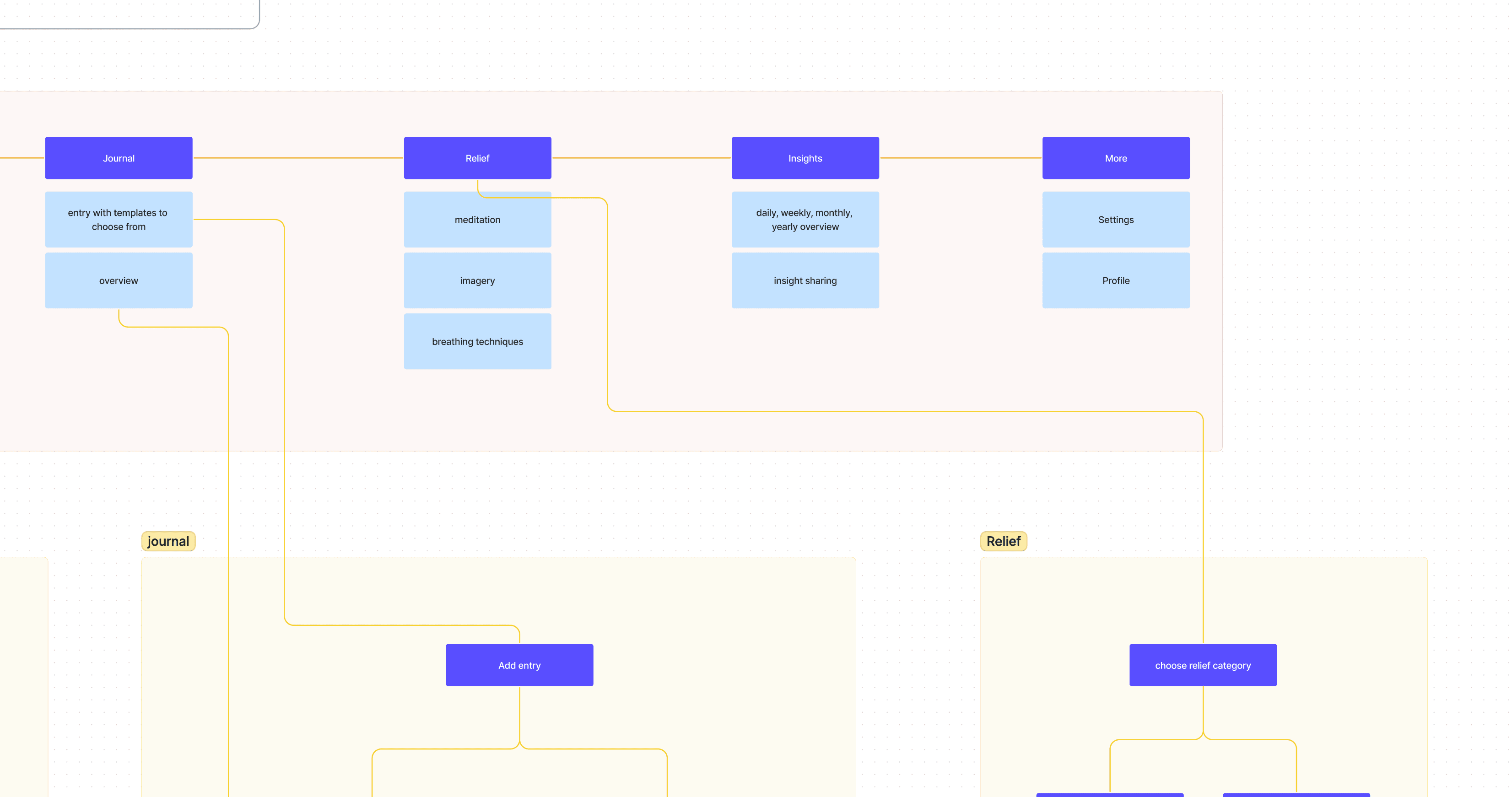
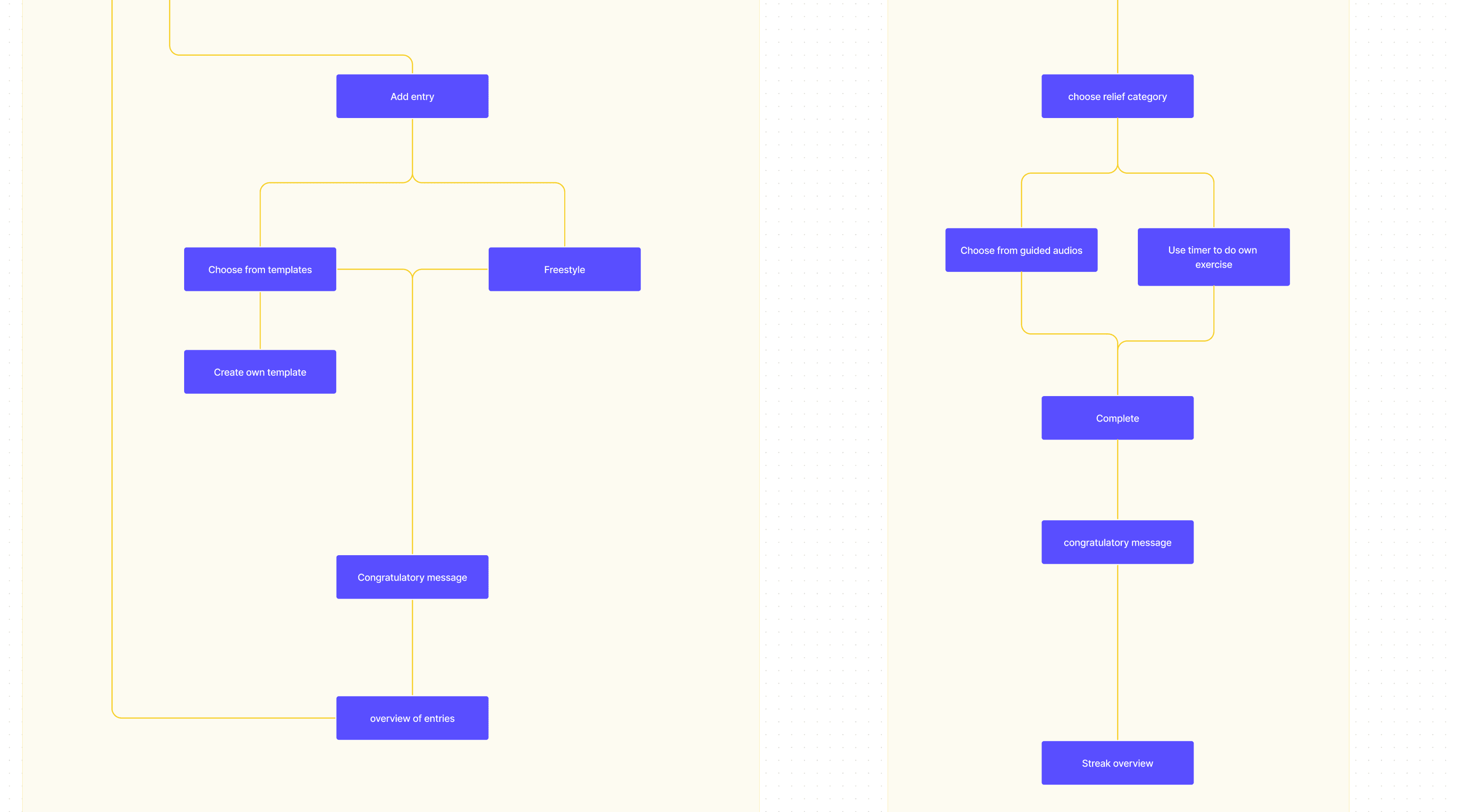
The ideating phase consisted of brainstorming, exploration and ideation, which allowed me to shape the information architecture, develop wireframes, and work on some visual explorations for this mood tracking app.
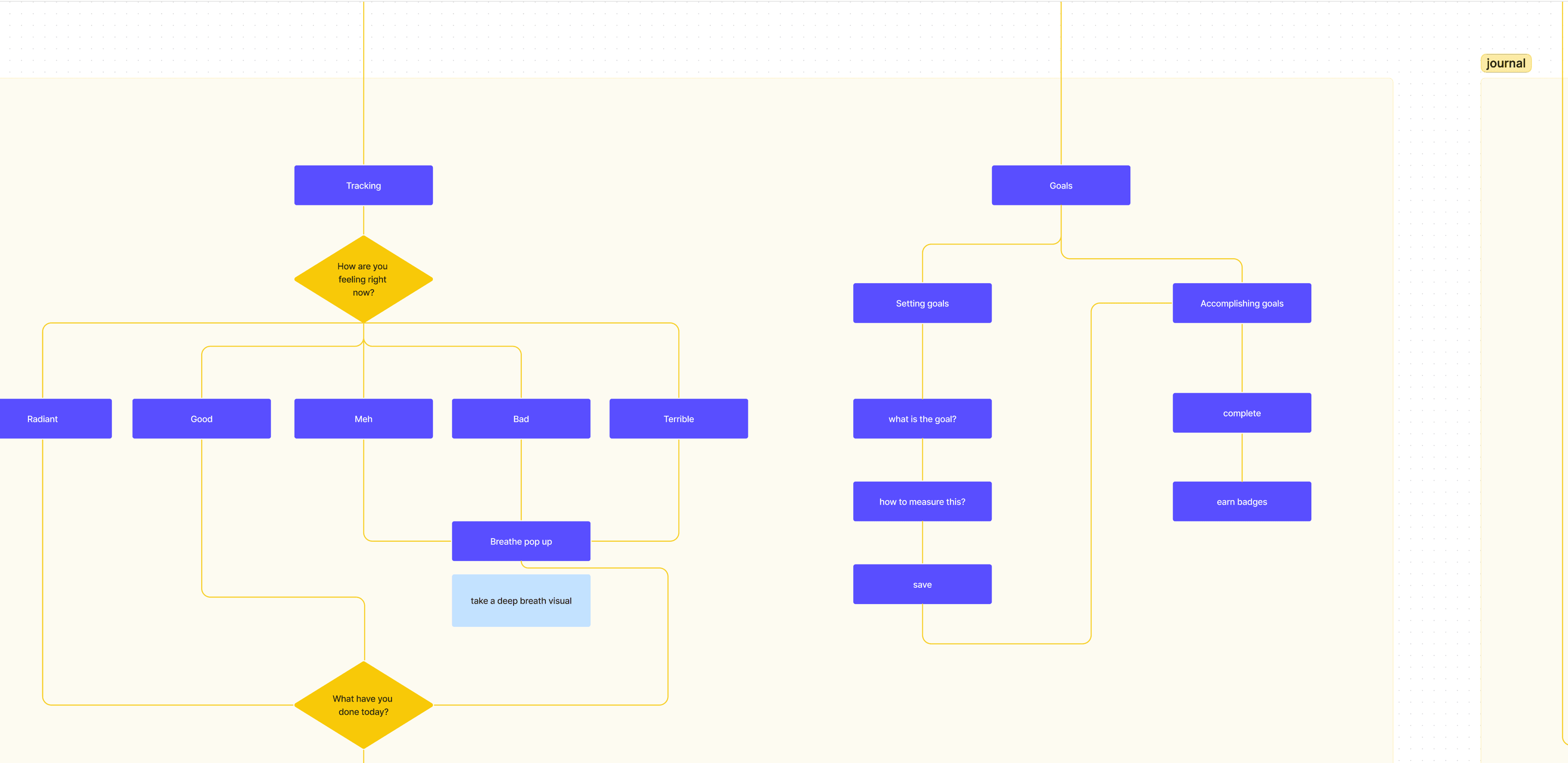
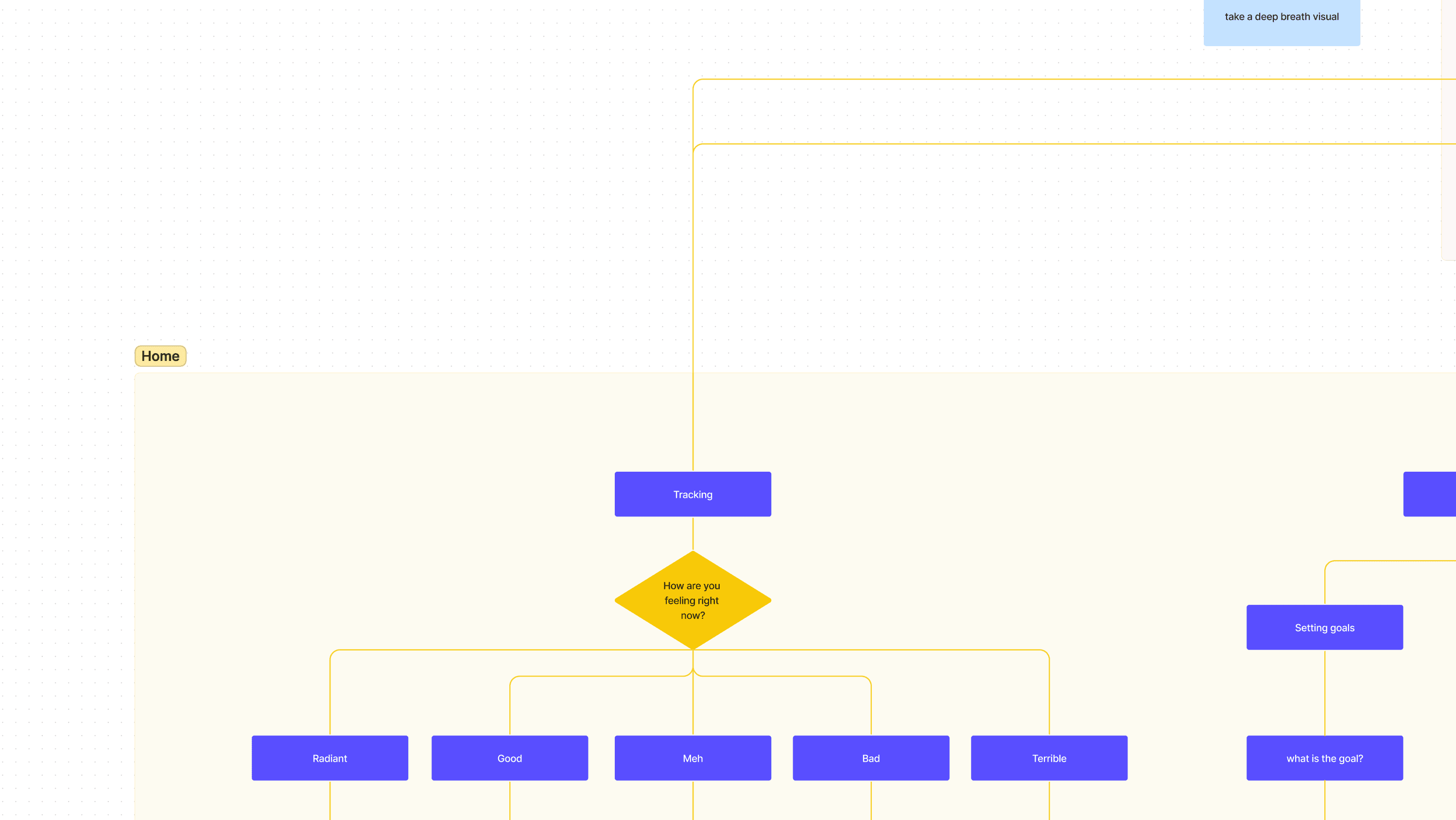
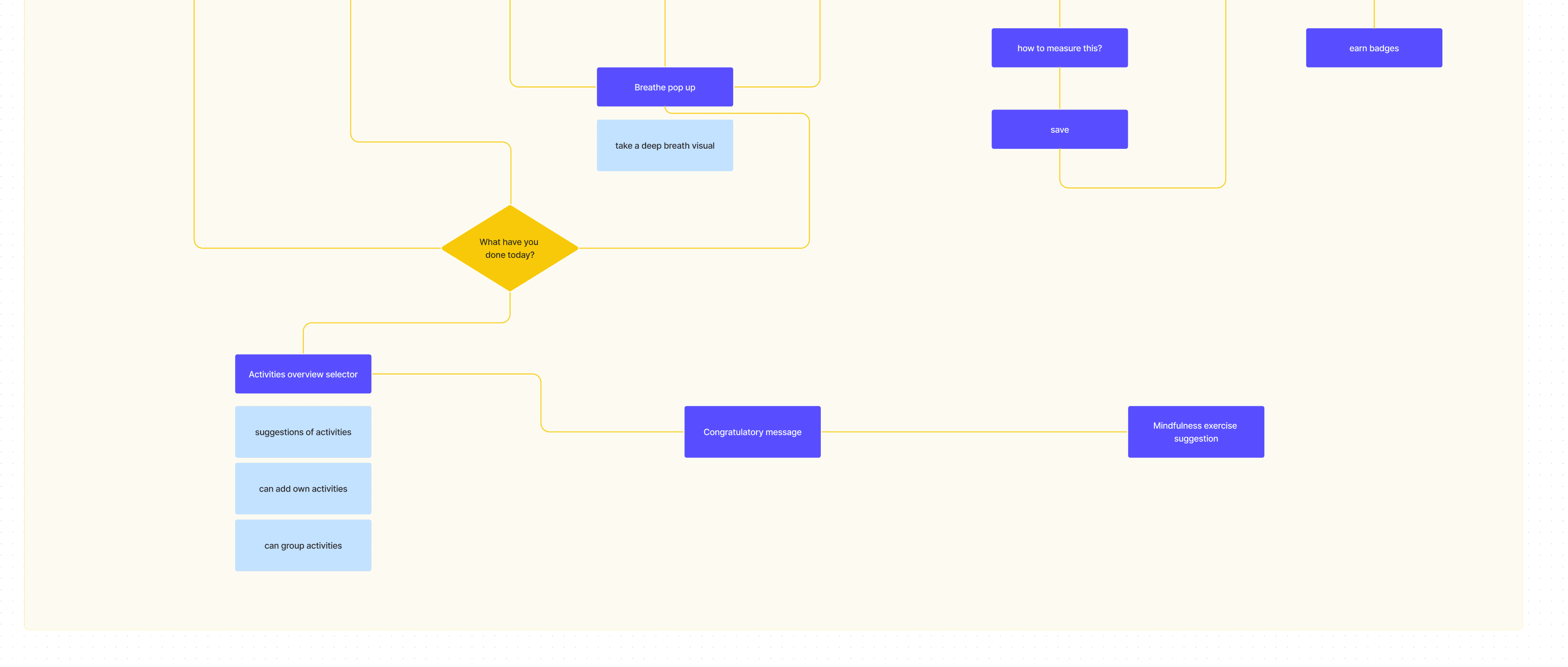
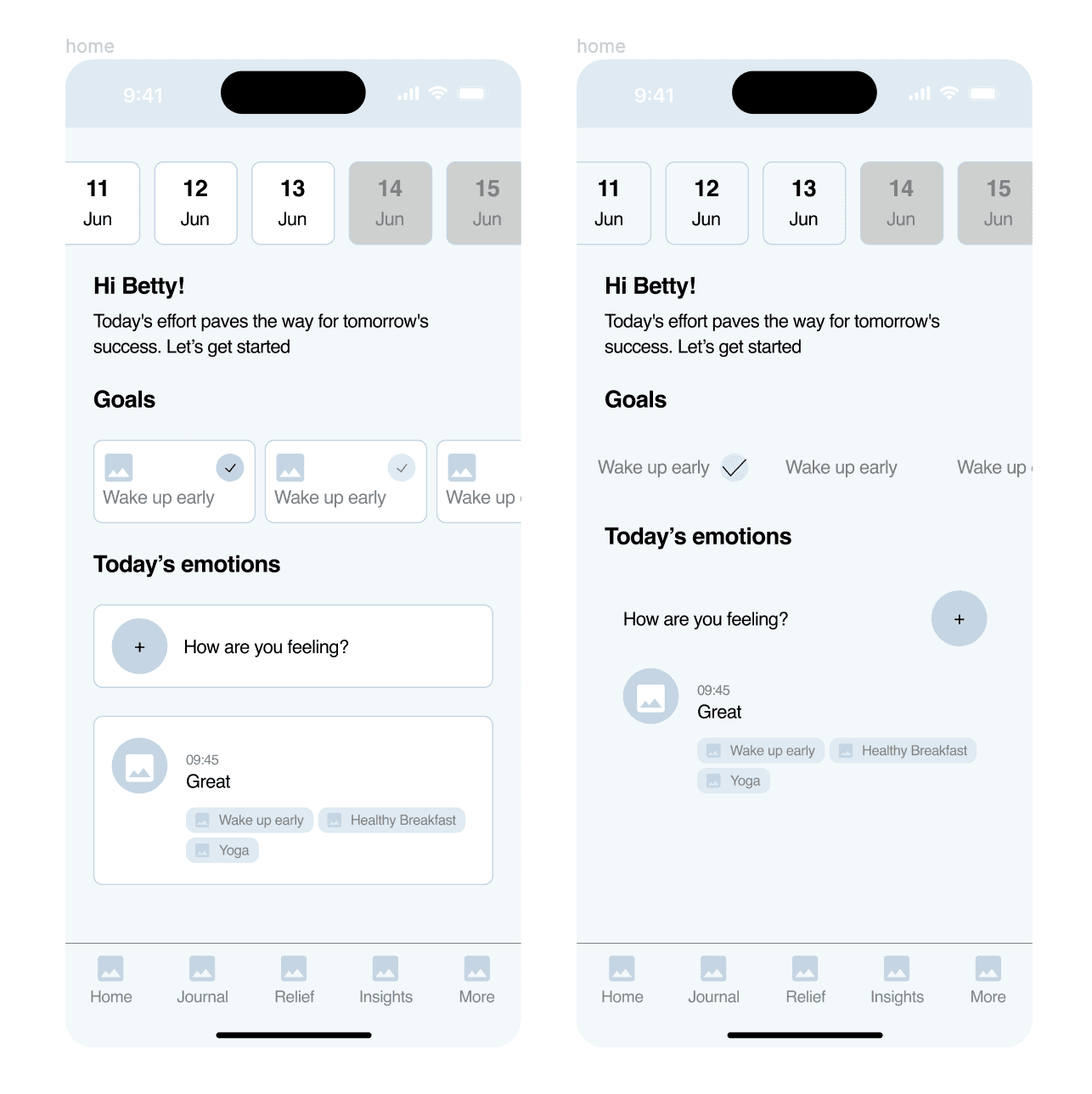
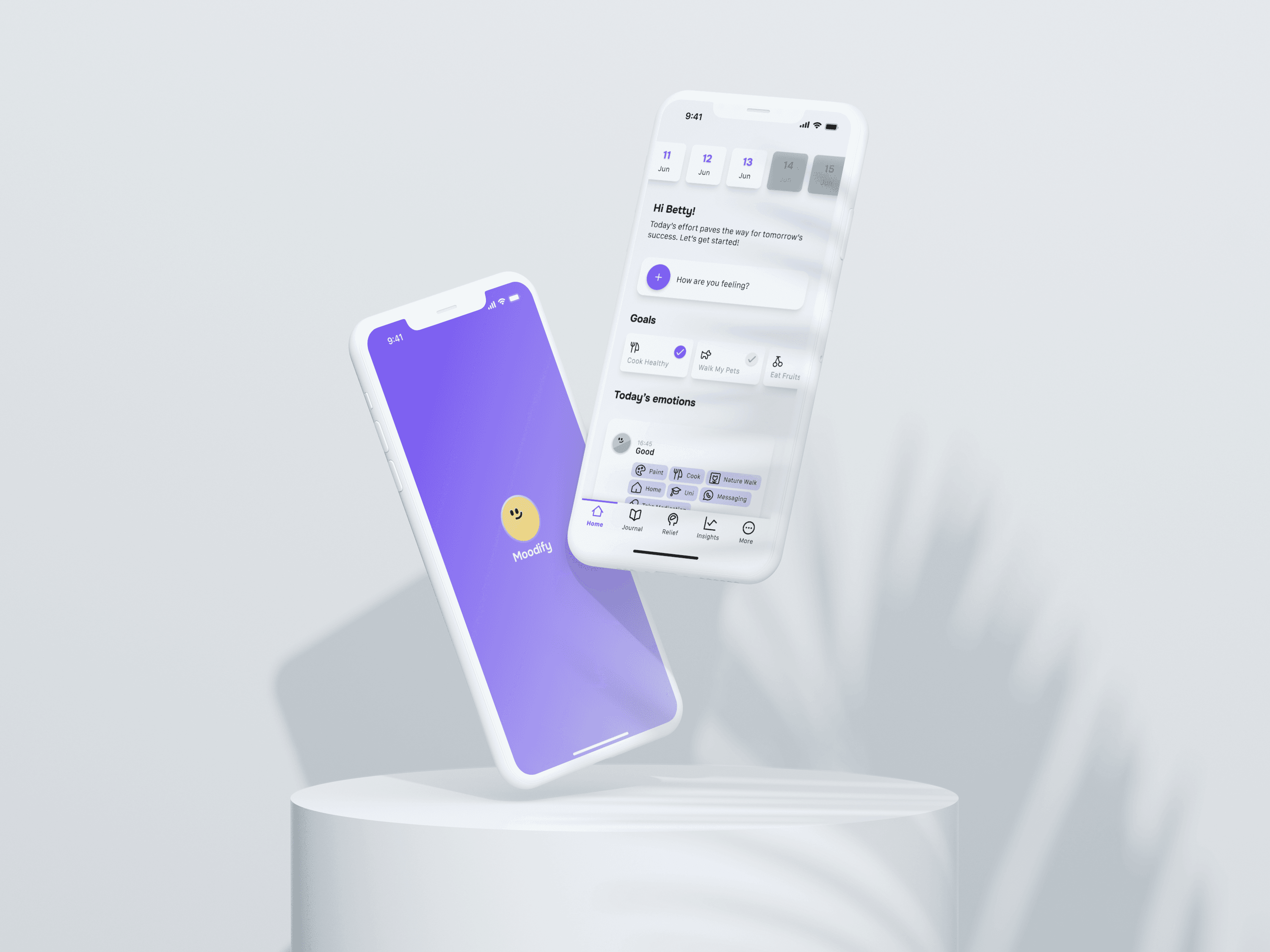
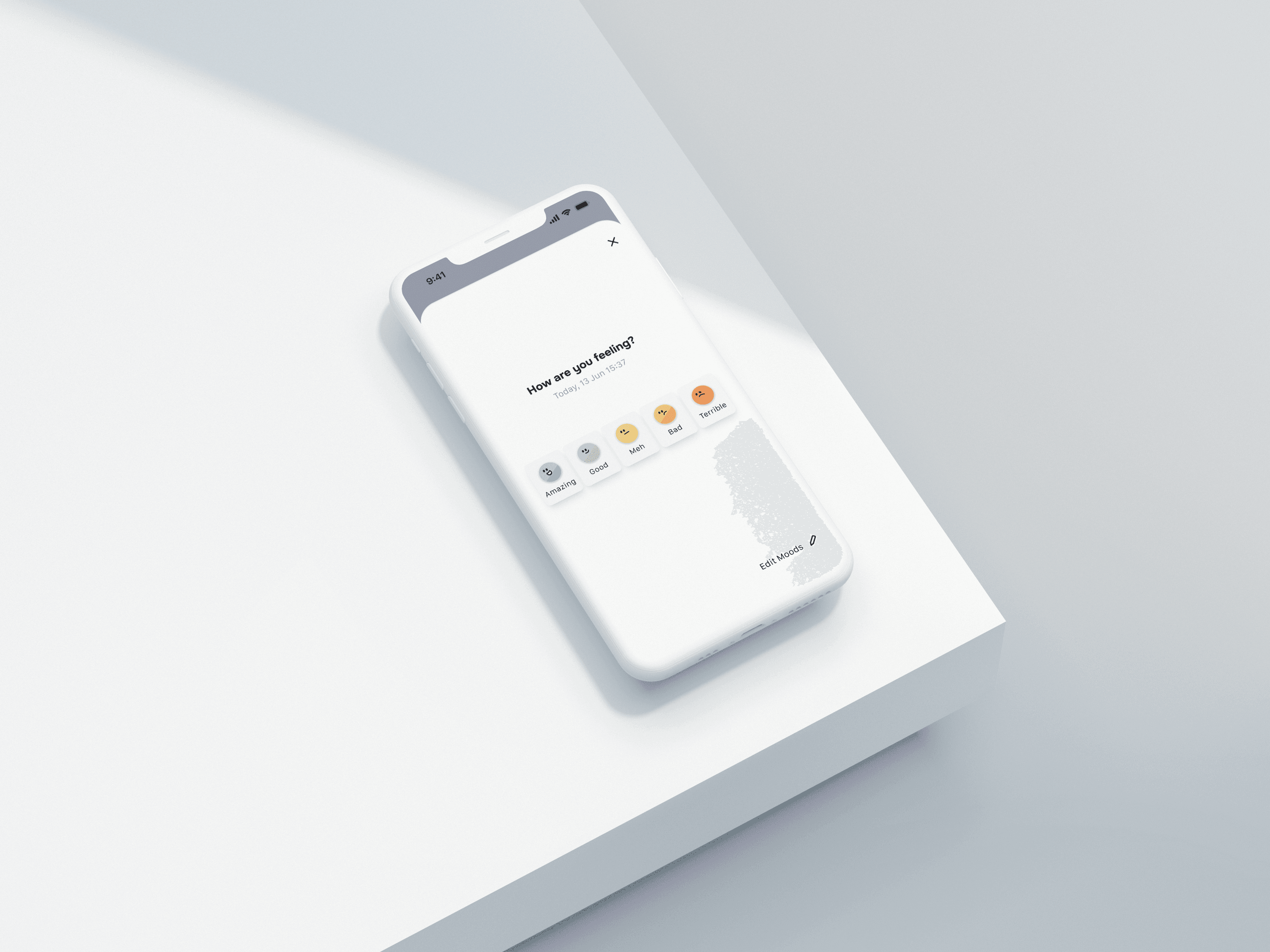
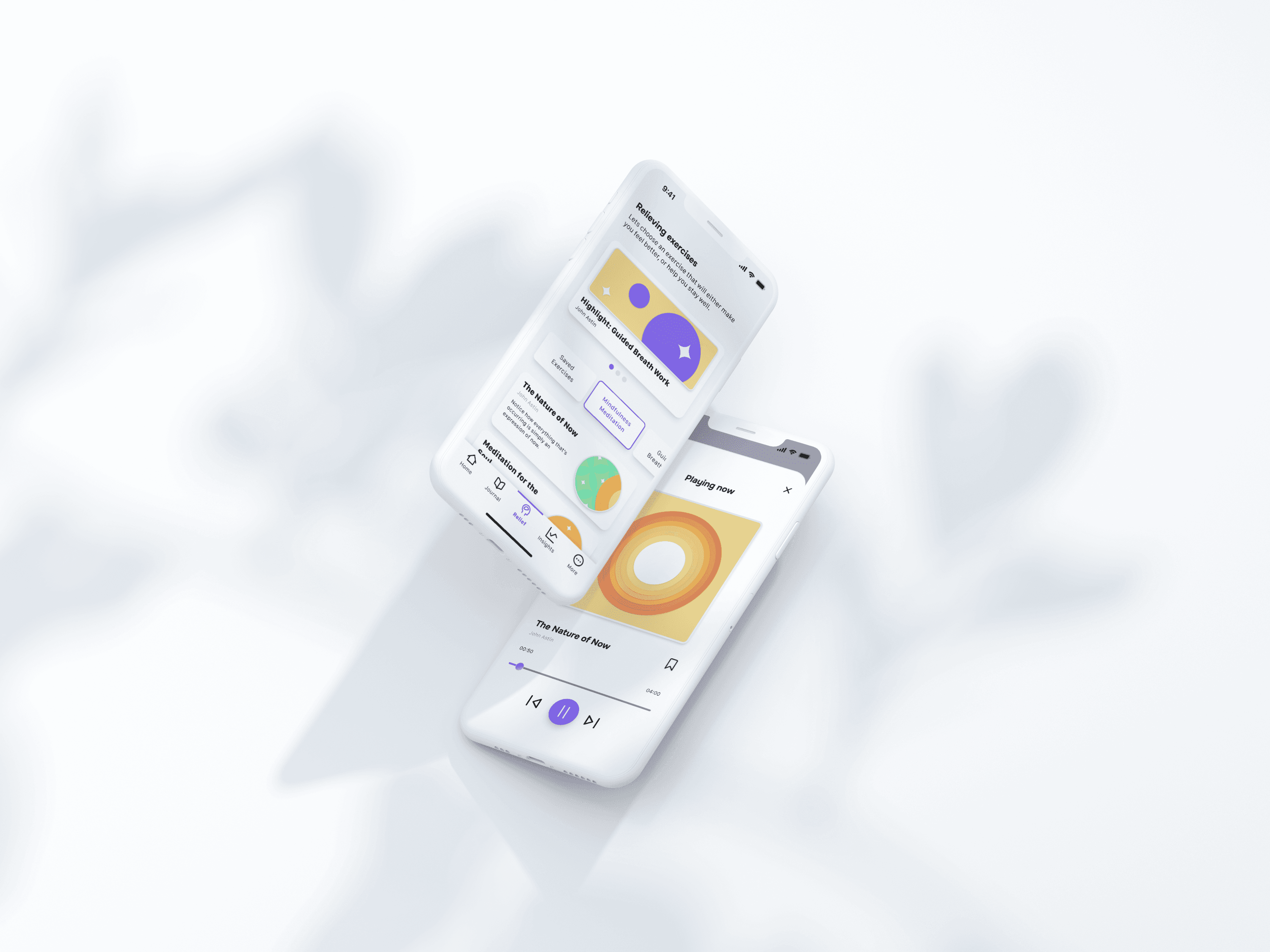
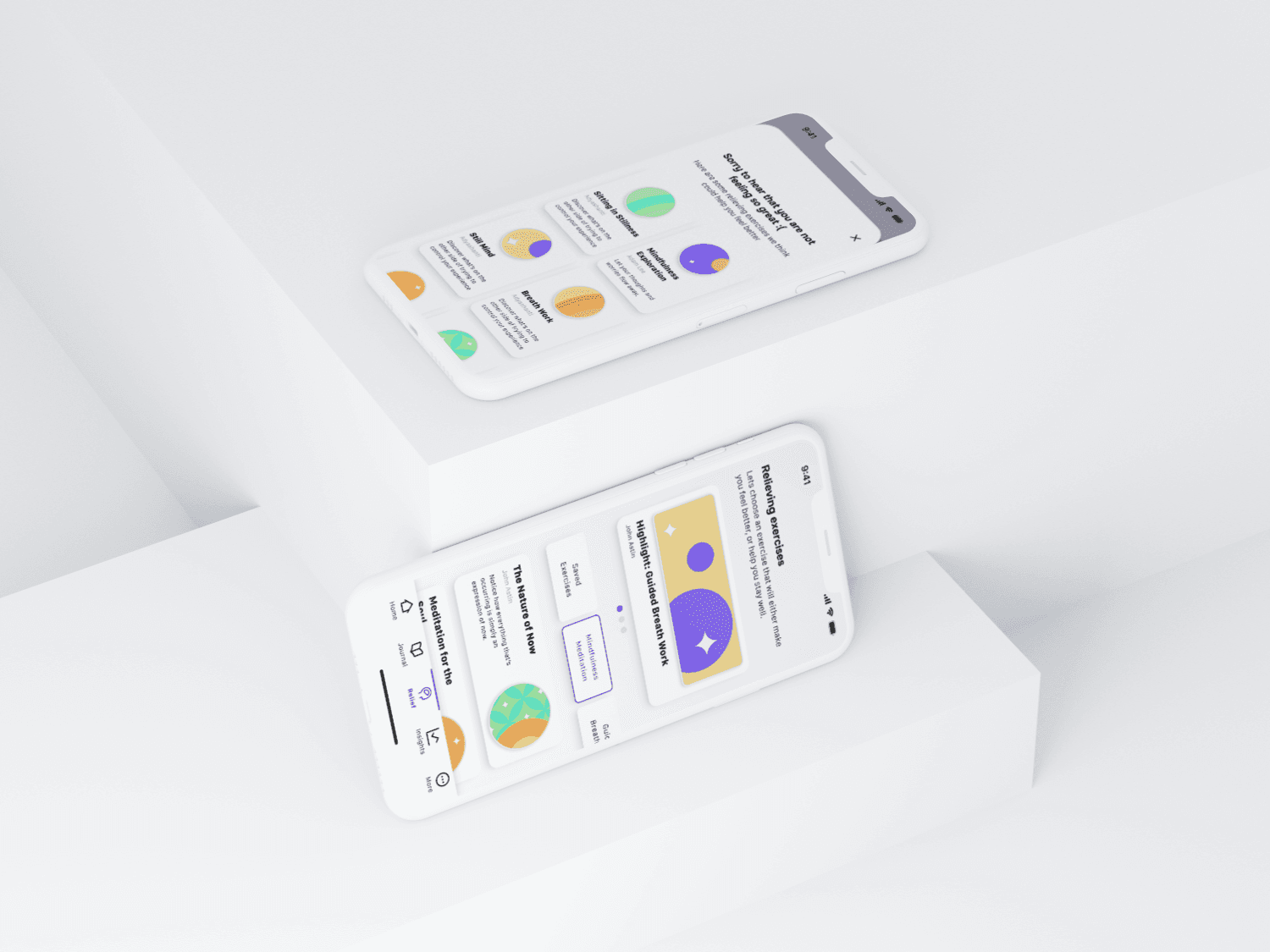
This phase consisted of transforming my initial ideas and concepts into tangible and interactive experiences. The prototyping phase involved defining a design system, designing the interface of the app, and creating an interactive prototype for Moodify.
To ensure consistency and efficiency throughout this design process, I established a small design system which consisted of a local style guide that encompasses a set of guidelines, standards, and components for the Moodify app.
This includes principles for typography, colour palette, and button styles, amongst many other UI elements. This system provided a cohesive framework that facilitated the design process.
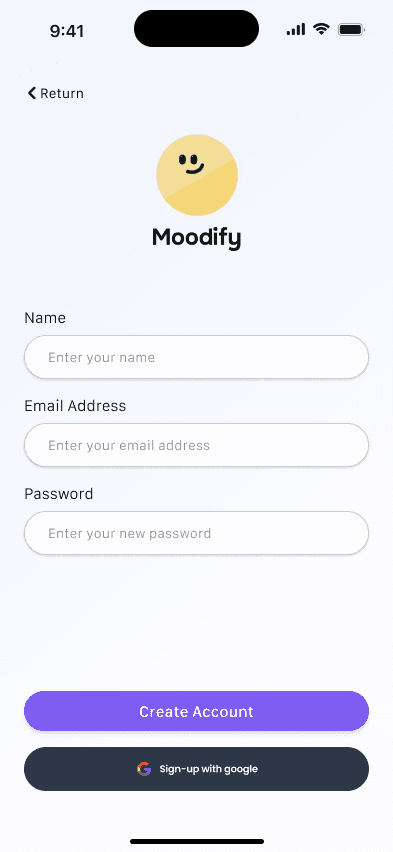
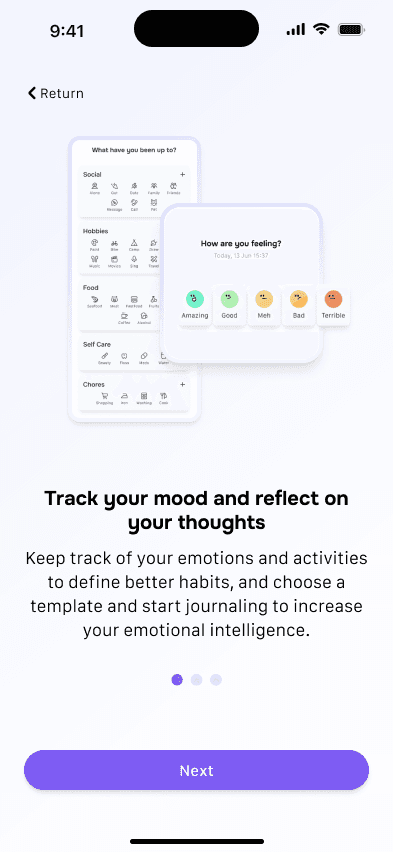
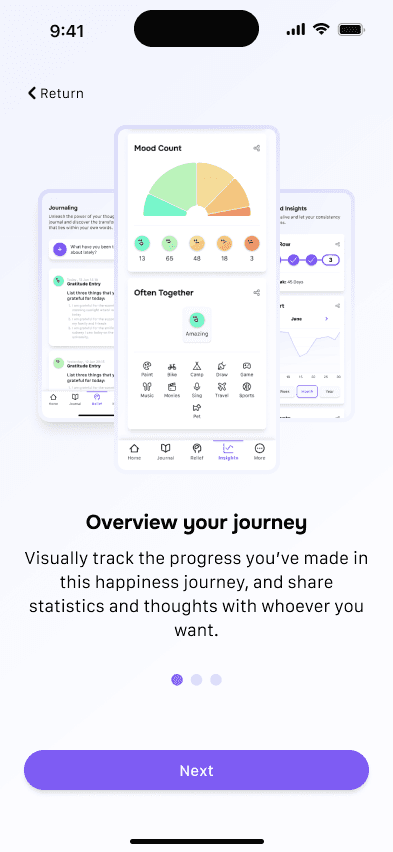
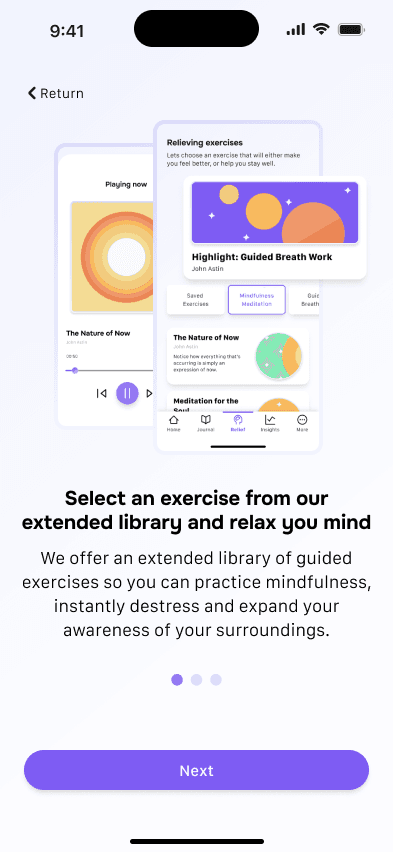
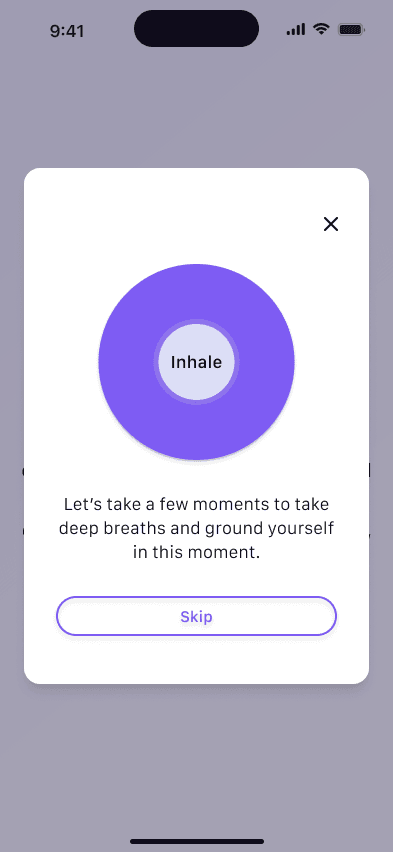
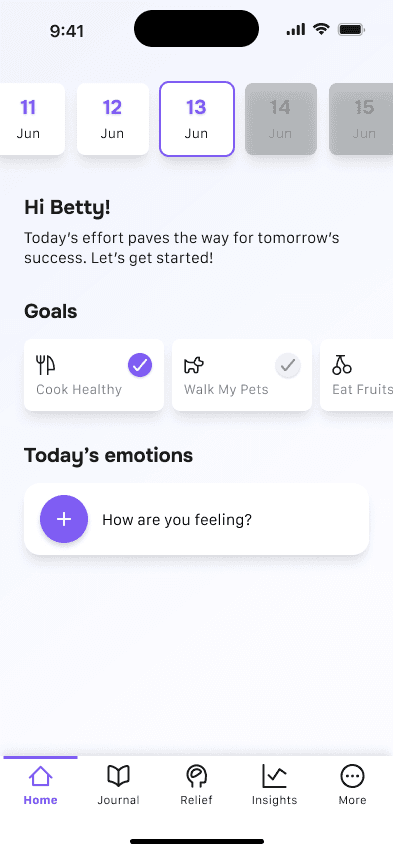
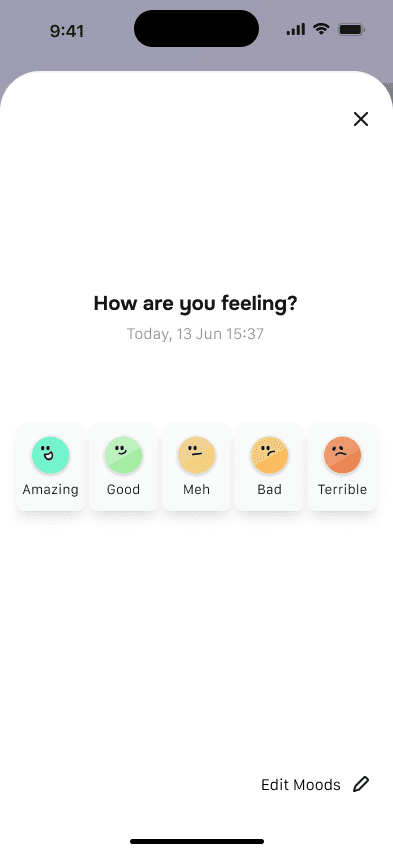
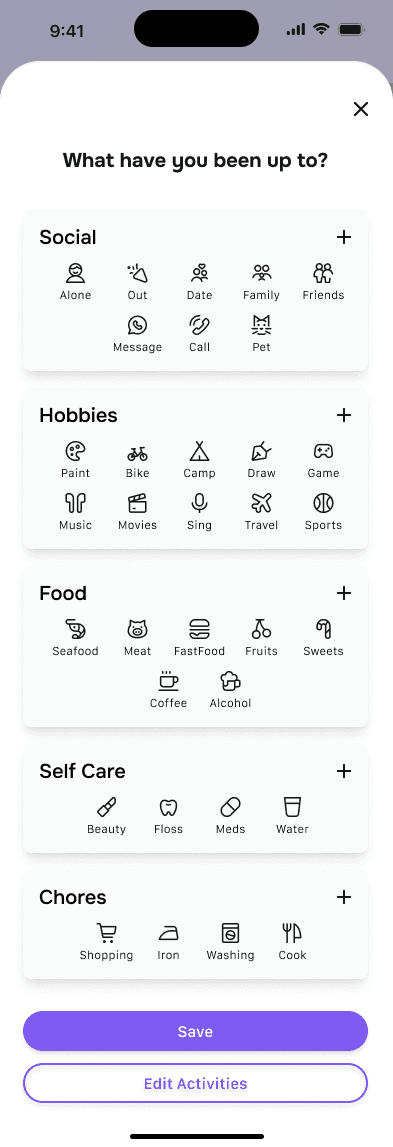
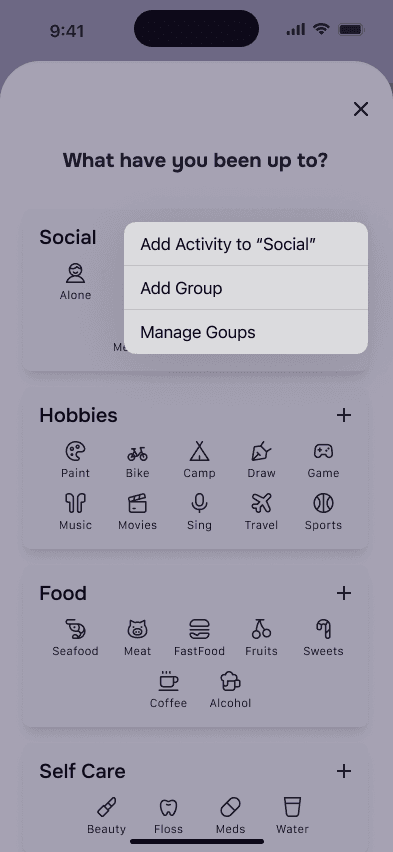
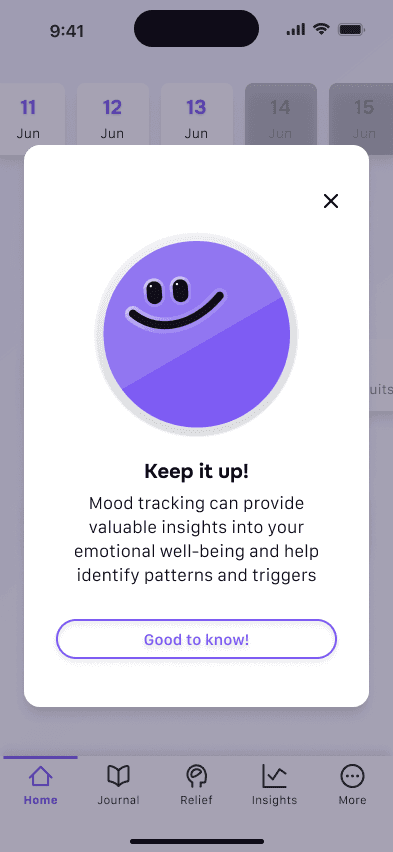
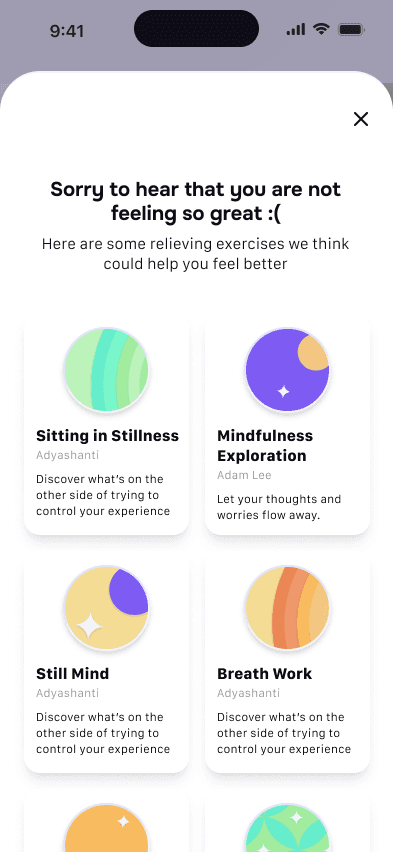
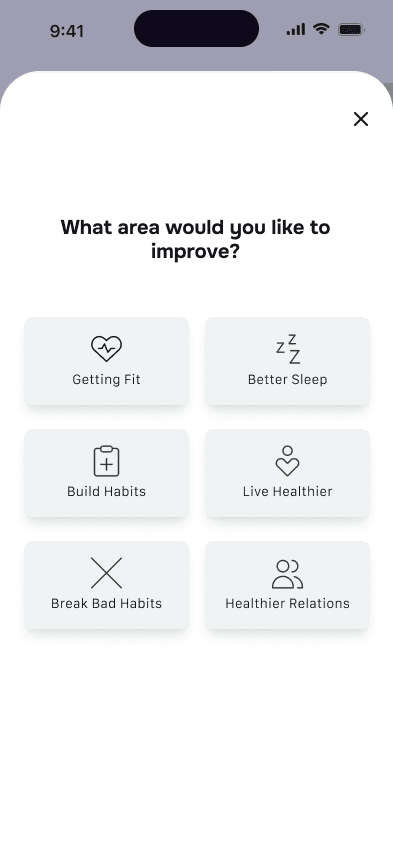
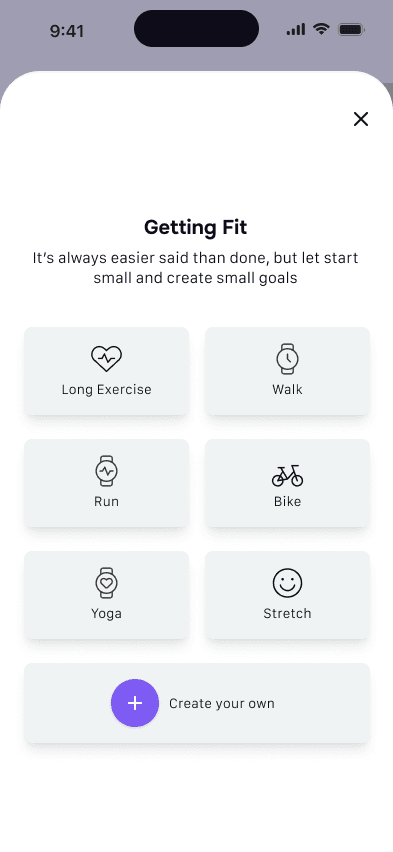
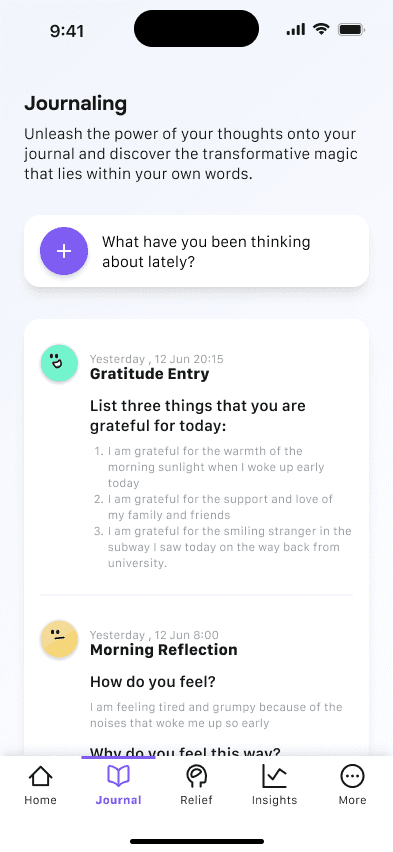
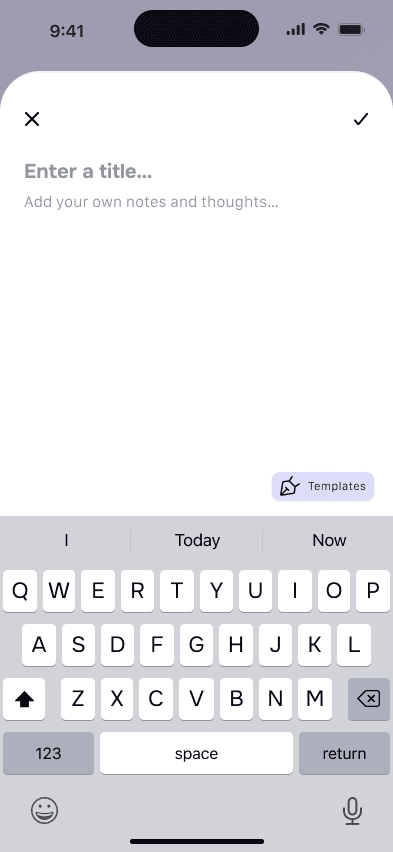
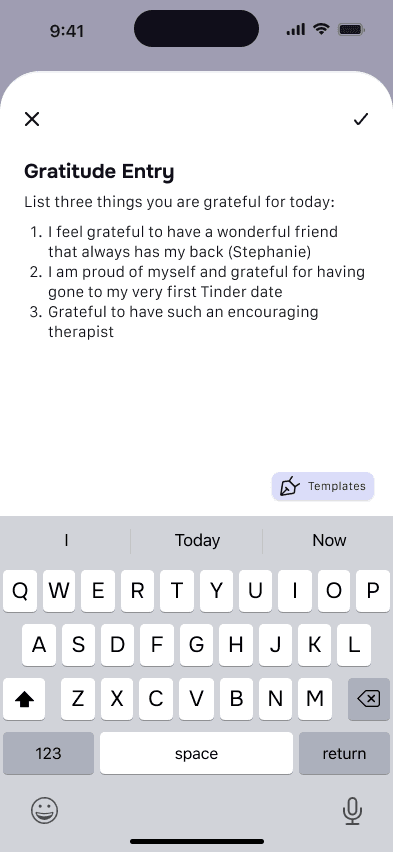
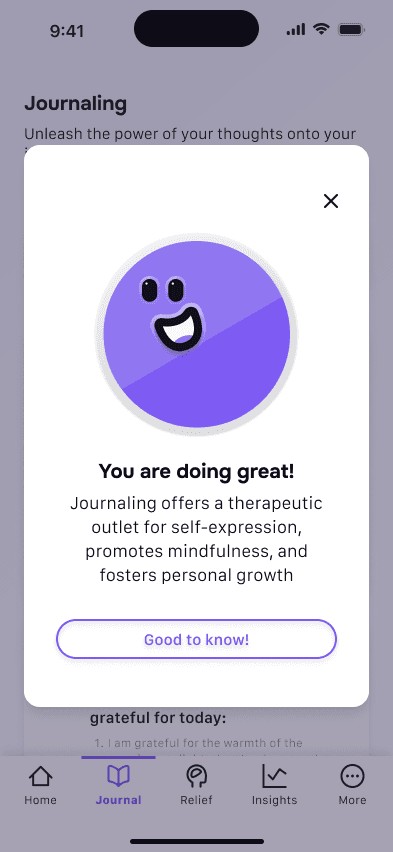
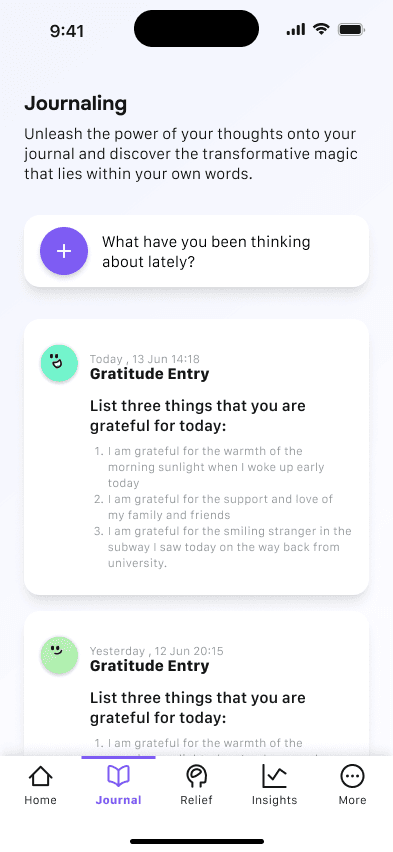
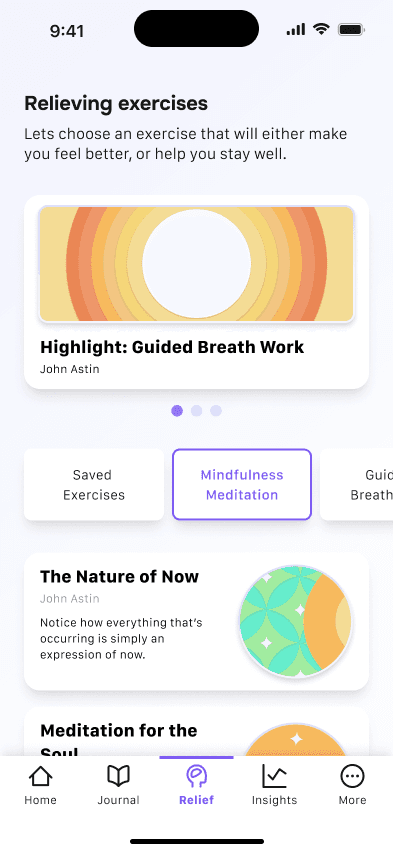
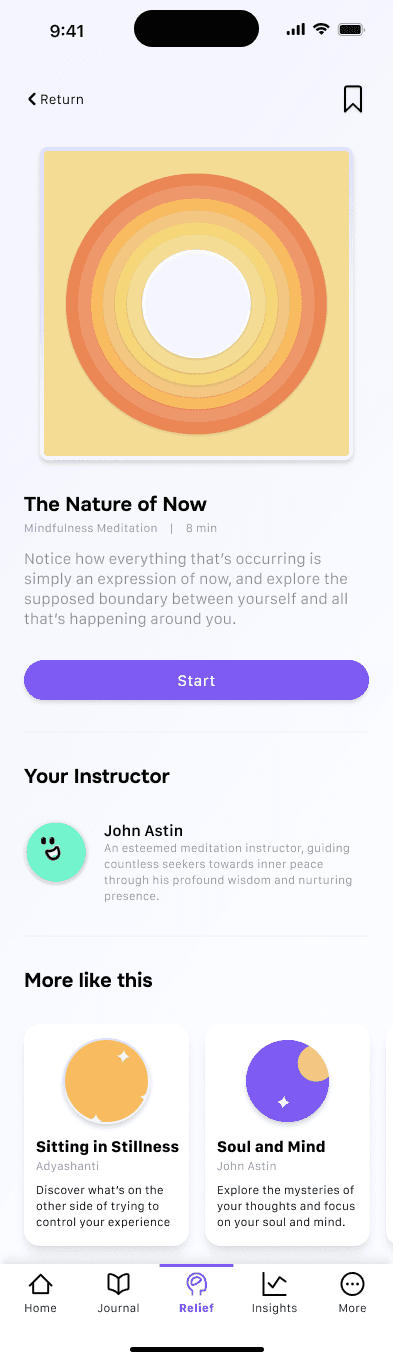
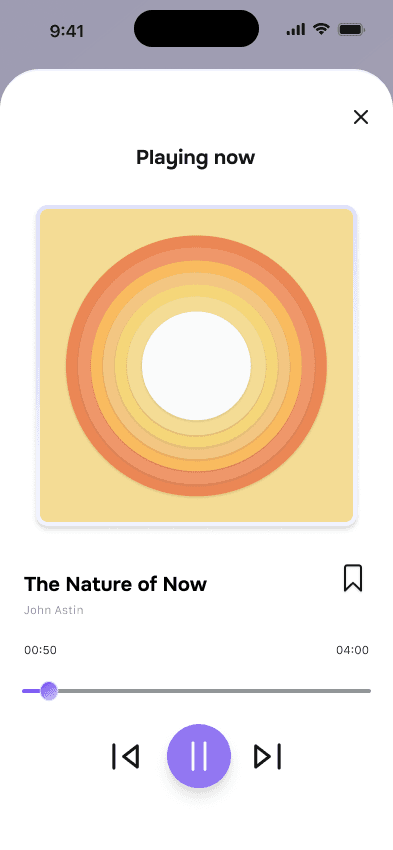
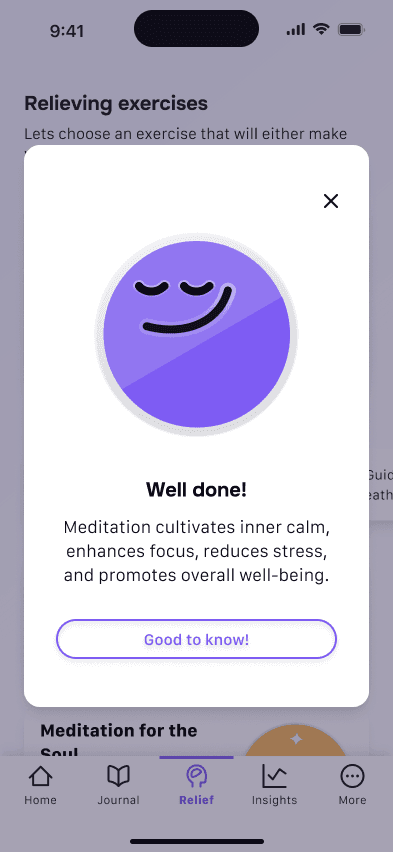
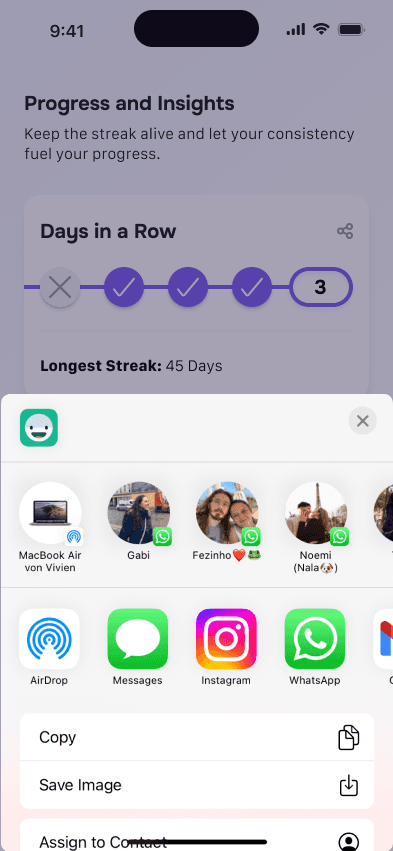
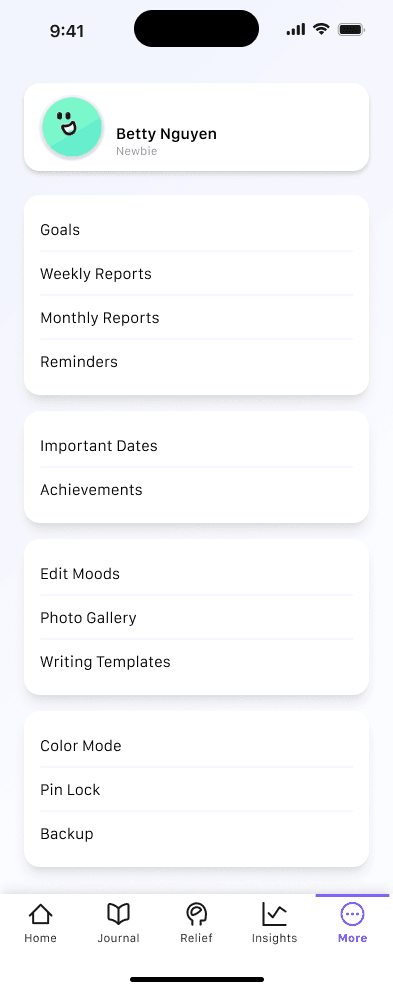
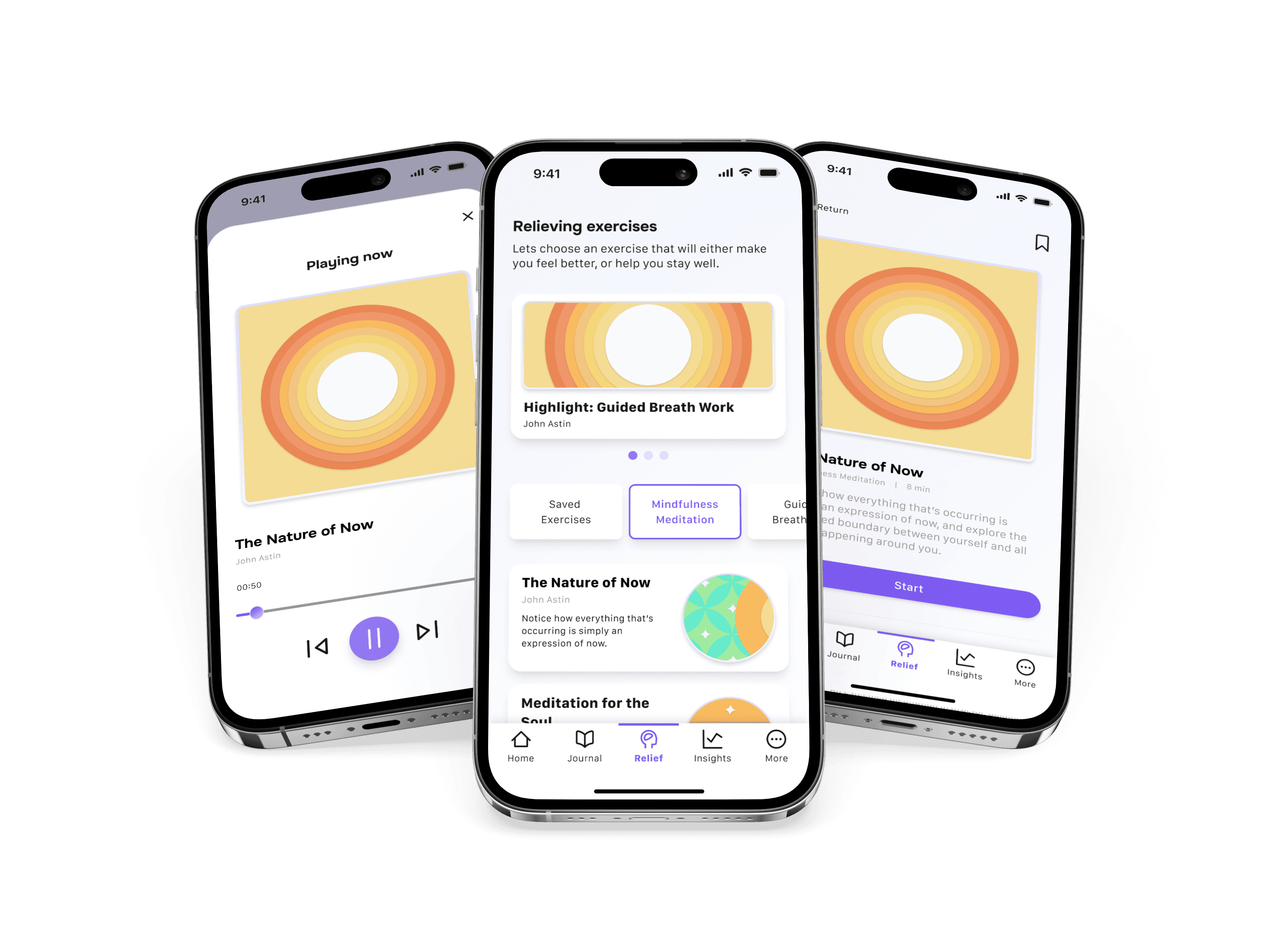
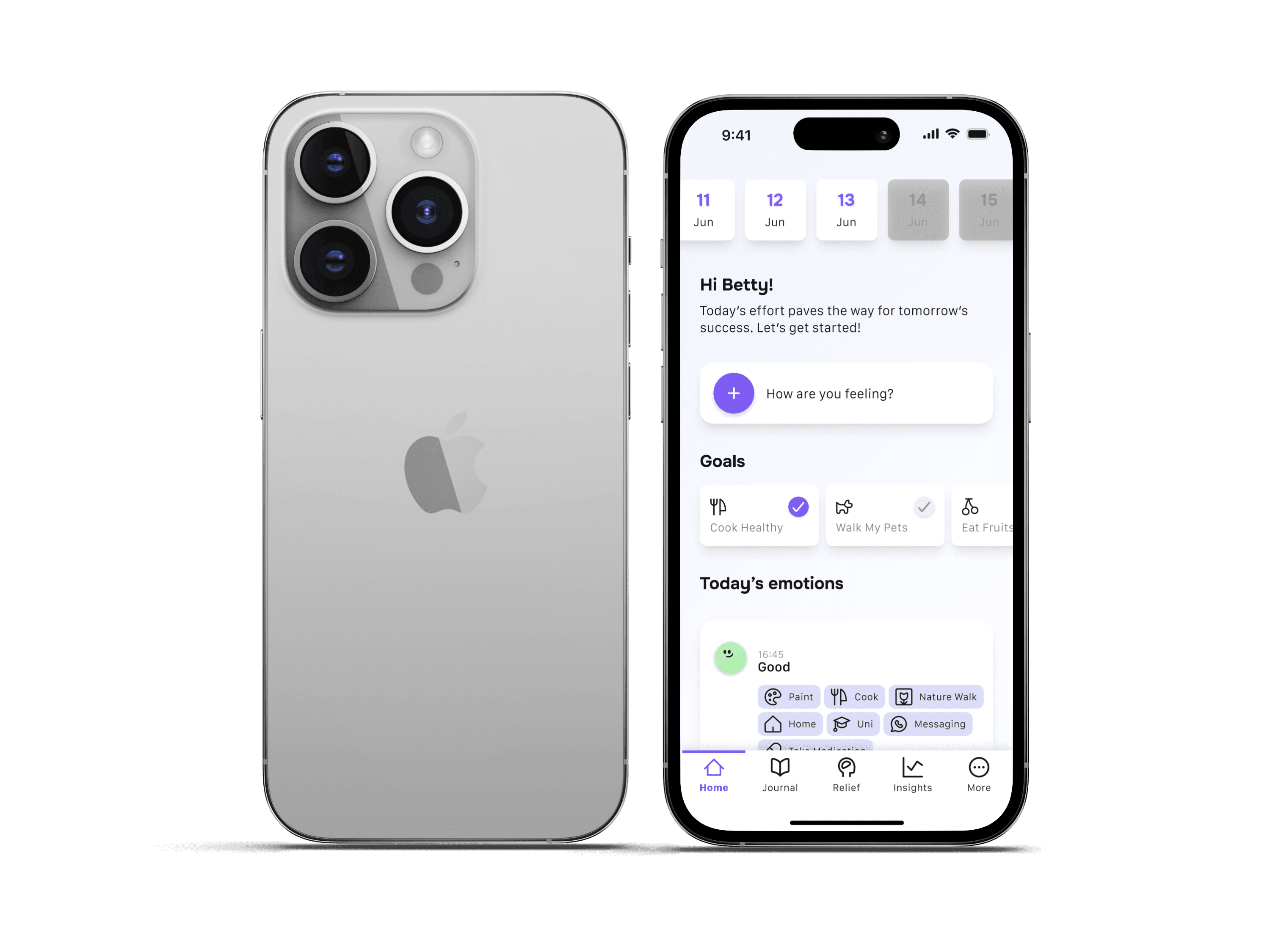
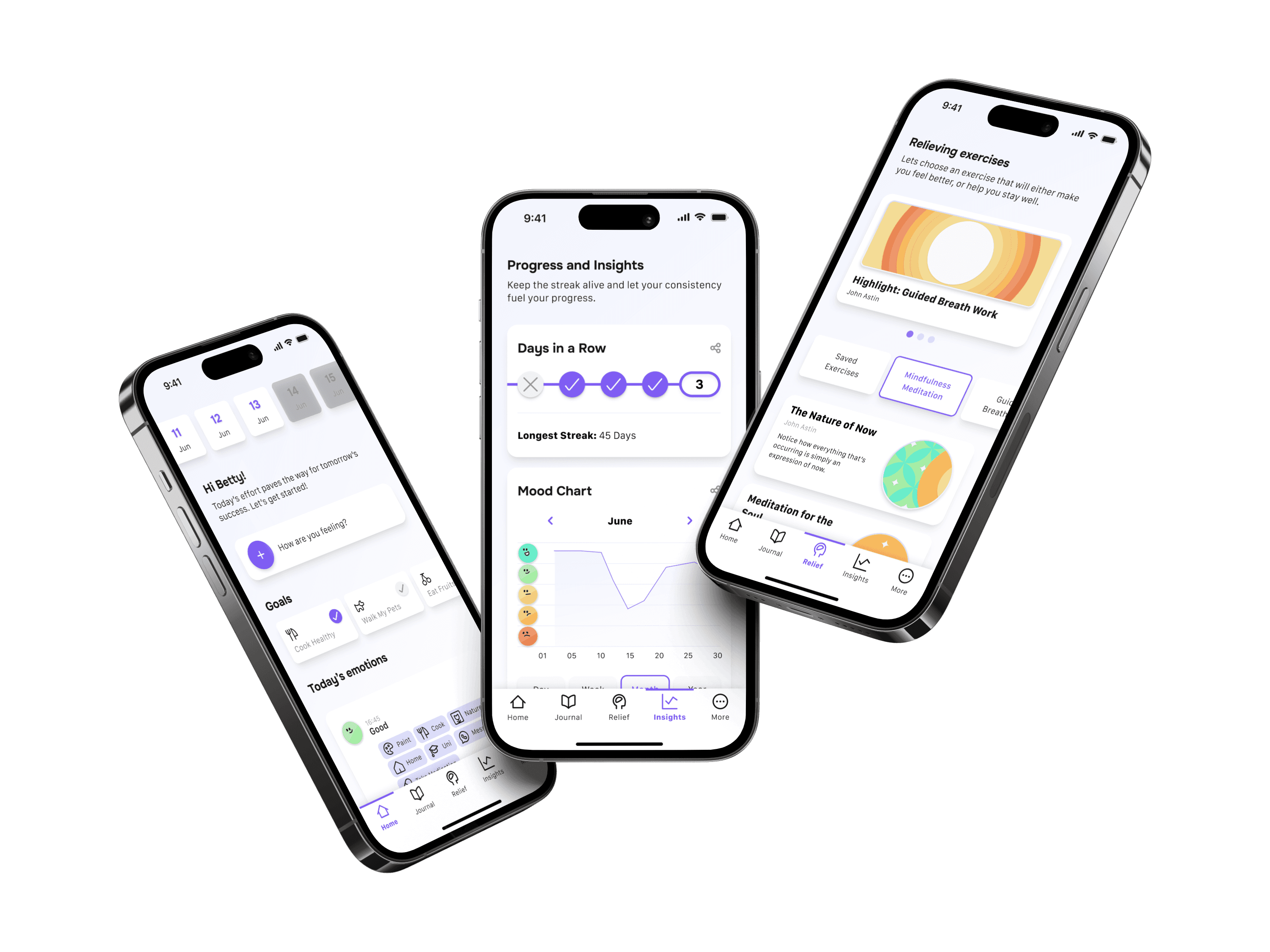
With the design system in place, the interface of the application was meticulously designed. High-fidelity prototypes were created, incorporating the visual explorations and wireframes from the ideation phase. The interface design involved crafting visually appealing screens, ensuring the usability and accessibility of various features, and maintaining a consistent user experience across different sections of the application.